Can Your Faucet Talk to the Cloud? Fontana's Approach to Connected Restroom Fixtures | FontanaShowers
Connected fixture planning for real jobsite workflows
Can Your Faucet Talk to the Cloud? Fontana's Approach to Connected Restroom Fixtures
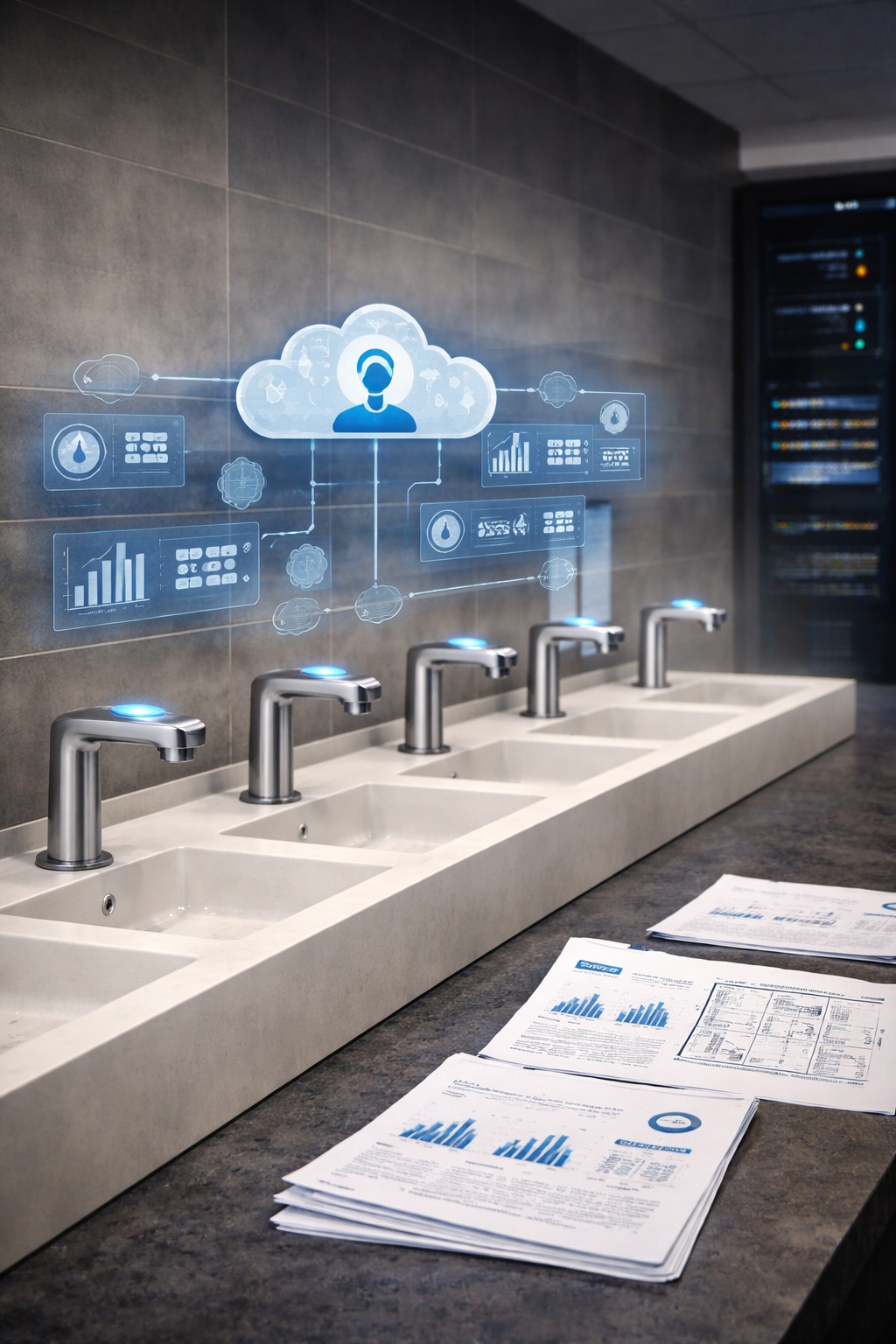
A connected restroom is mostly a coordination problem, not a gadget problem.
The win is a repeatable pilot program, documented commissioning, and telemetry tags that facilities teams can actually use.
Use this page to plan one test restroom, then scale across floors, wings, or an entire campus without changing the playbook.
Start with one restroom. Lock sensor behavior, service access, and naming conventions.
Then copy the package across floors without re-commissioning from scratch.
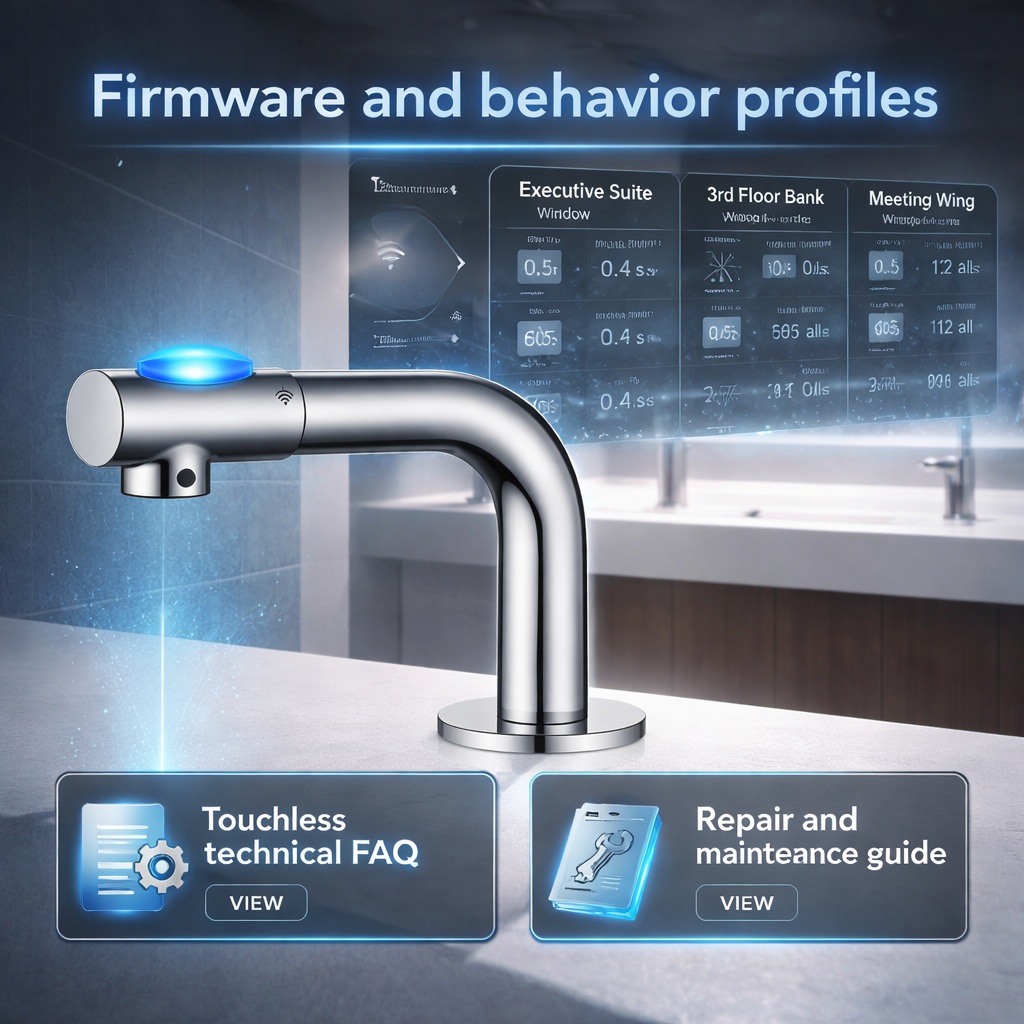
A connected rollout usually needs consistent behavior: activation window, max-on timeout,
purge cycles, and fault conditions. Define a small set of room profiles and reuse them.
Plan tags before dashboards. Common signals include activations, estimated flow, outlet temperature,
fault codes, AC or battery status, and soap level where applicable.
Use this checklist to keep the pilot restroom honest. The goal is a package you can repeat with minimal variation:
same rough-in expectations, same commissioning steps, and the same service workflow.
Quick package checks (what teams lock early)
A connected restroom is only useful if it stays serviceable. Confirm access, labeling, and closeout documentation.
Then standardize it across identical sink runs.
Pilot restroom scope
Define one restroom as the reference: sensor behavior, valve setup, power method, and service access are validated here.
Commissioning log
Record settings and any adjustments, then reuse the same setup across identical sink runs.
Telemetry tag naming
Decide what you will track (activations, faults, power status, and any soap-level signals), then keep tag names consistent.
Power + maintenance plan
Confirm AC routing or battery access, label circuits and shutoffs, and set a spare-parts plan for high-traffic banks.
Closeout deliverables
Attach PDFs, serial lists, and commissioning notes to the turnover set so facilities can support the system after handoff.
Tip: Treat connected behavior as a “room profile.” Fewer profiles means fewer surprises later.
Integration-ready planning: what contractors coordinate early
If you want cloud visibility later, coordinate the physical and documentation basics now. This avoids rework after walls close.
Use a simple integration worksheet: where power comes from, where access panels are, what IDs live on labels, and who owns alerts.
Tag list that maps to BMS
Room ID + fixture ID format (example: FL03-RR2-LAV-04)
Connected-ready touchless faucet models contractors can standardize
Start with a small set of repeatable models. Keep the physical install consistent, then decide how far you want to go with monitoring and integration.
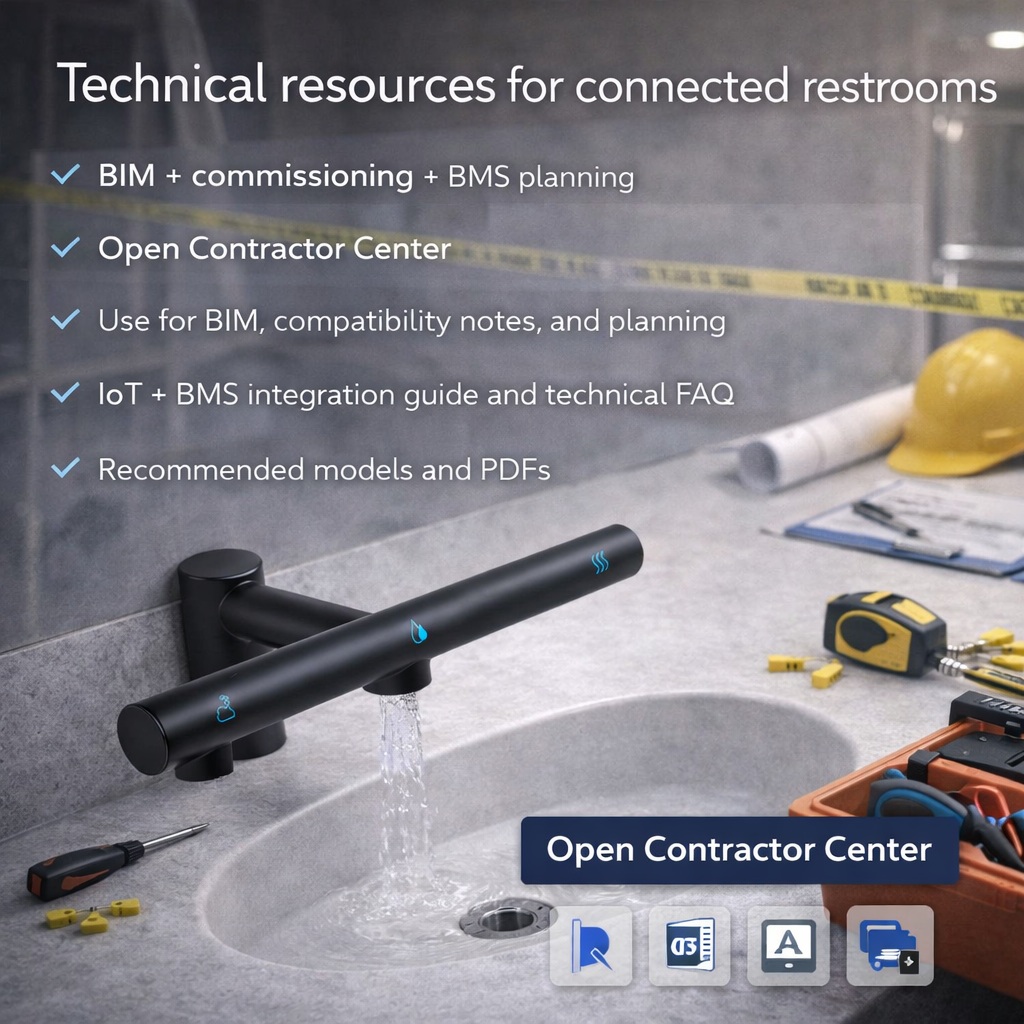
Use the Contractor Center hub for BIM, commissioning notes, and BMS planning resources.
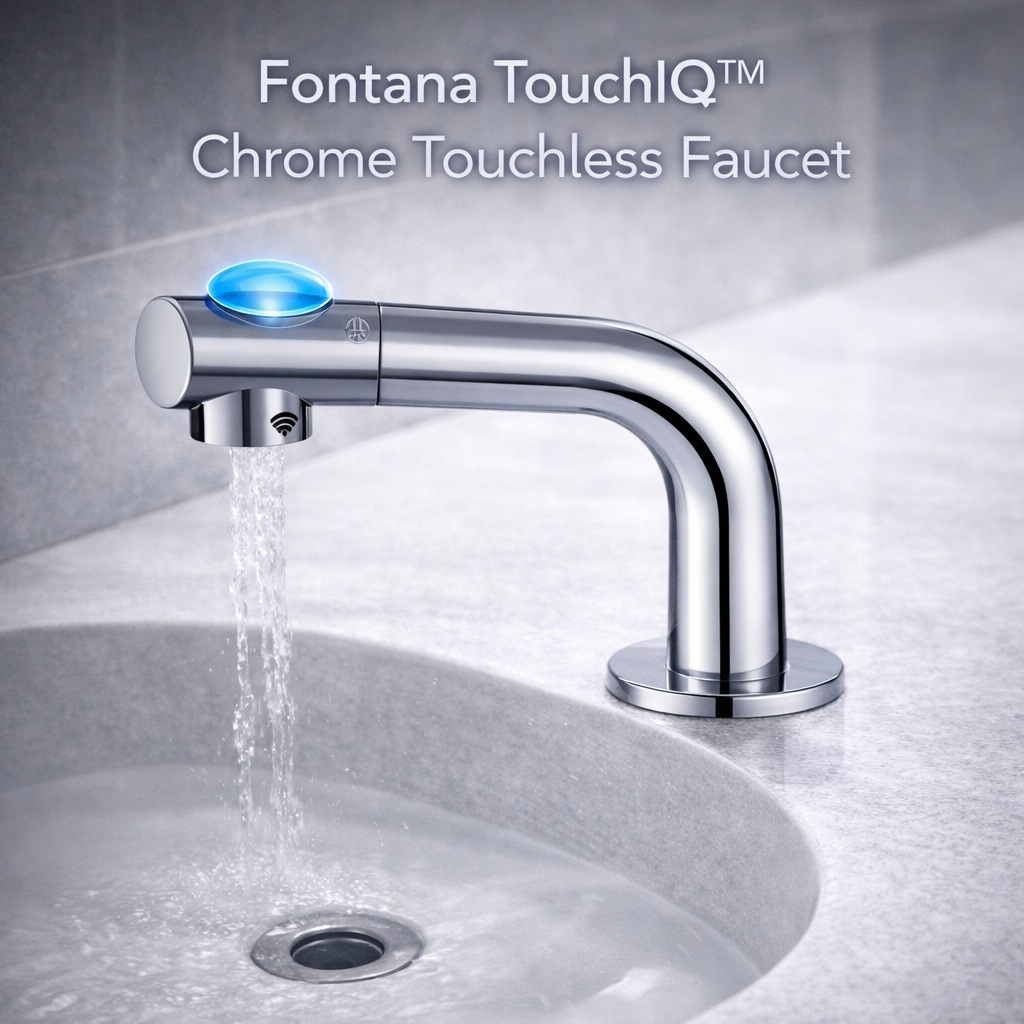
TouchIQ™
Fontana TouchIQ™ Chrome Touchless Faucet
SKU: FS7757CH · Finish: Chrome
View Product
Use as a reference model for a connected pilot restroom
Solid baseline for predictable commissioning and repeat installs
These downloads are practical: attach them to submittals and closeout packages so the install remains repeatable,
and the site stays serviceable after handoff.
Short answers for the questions that come up during pilot programs and campus-wide installs.
What is the fastest way to pilot a connected restroom without creating chaos?
Pick one restroom as the reference build. Lock the sensor behavior and service access there, then repeat across identical sink runs.
What should we decide before anyone starts talking about the cloud?
Decide your telemetry tag list first: activations, faults, power status, and any soap-level signals. Then decide who owns alerts and service response.
How do we keep commissioning consistent across floors?
Use a small set of room profiles and a commissioning log. Avoid tuning each restroom independently.
What belongs in closeout for connected fixtures?
PDFs, serial lists, commissioning settings, tag naming notes, and a simple service SOP that facilities can follow after turnover.
Want a connected pilot restroom that scales cleanly?
Start with one reference build, document commissioning, then repeat.
Use the Contractor Center hub for BIM, commissioning notes, and integration planning resources.
Standardize a small set of touchless faucet models, then treat connected behavior as a repeatable workflow. Start with one pilot restroom, lock the behavior profile, confirm power access, and document commissioning settings. If you plan to integrate with a BMS, define telemetry tags early and keep naming consistent across floors so closeout, service, and dashboards stay aligned.
Find Out First
Get FontanaShowers emails of inspiration, new product releases, and more!