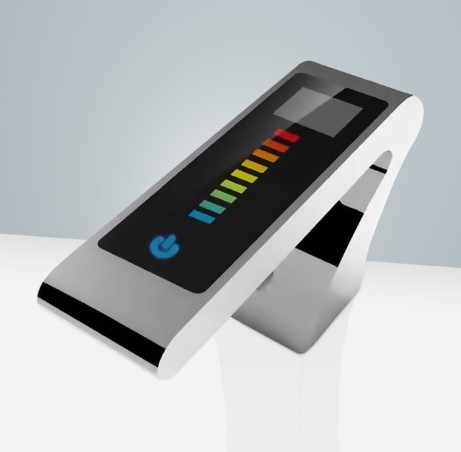
How to install Built To Last Commercial Fontana Smart Infrared Automatic Sensor Faucet | FS-544RR
|
Easy step by steps Installation Instructions for Sensor Faucet
|
|
Visit Product Page 
|
|
- Prior to starting, read the following installation instructions carefully. Comply with all relevant building and safety codes.
- Unpack everything and check for damage during shipping. Installation should not be done if damage is discovered.
- Please note that A professional, licensed plumber must do the installation. Not doing so can void the product warranty
|
sensor
|
|
|
Sensor Faucet Installations Instructions
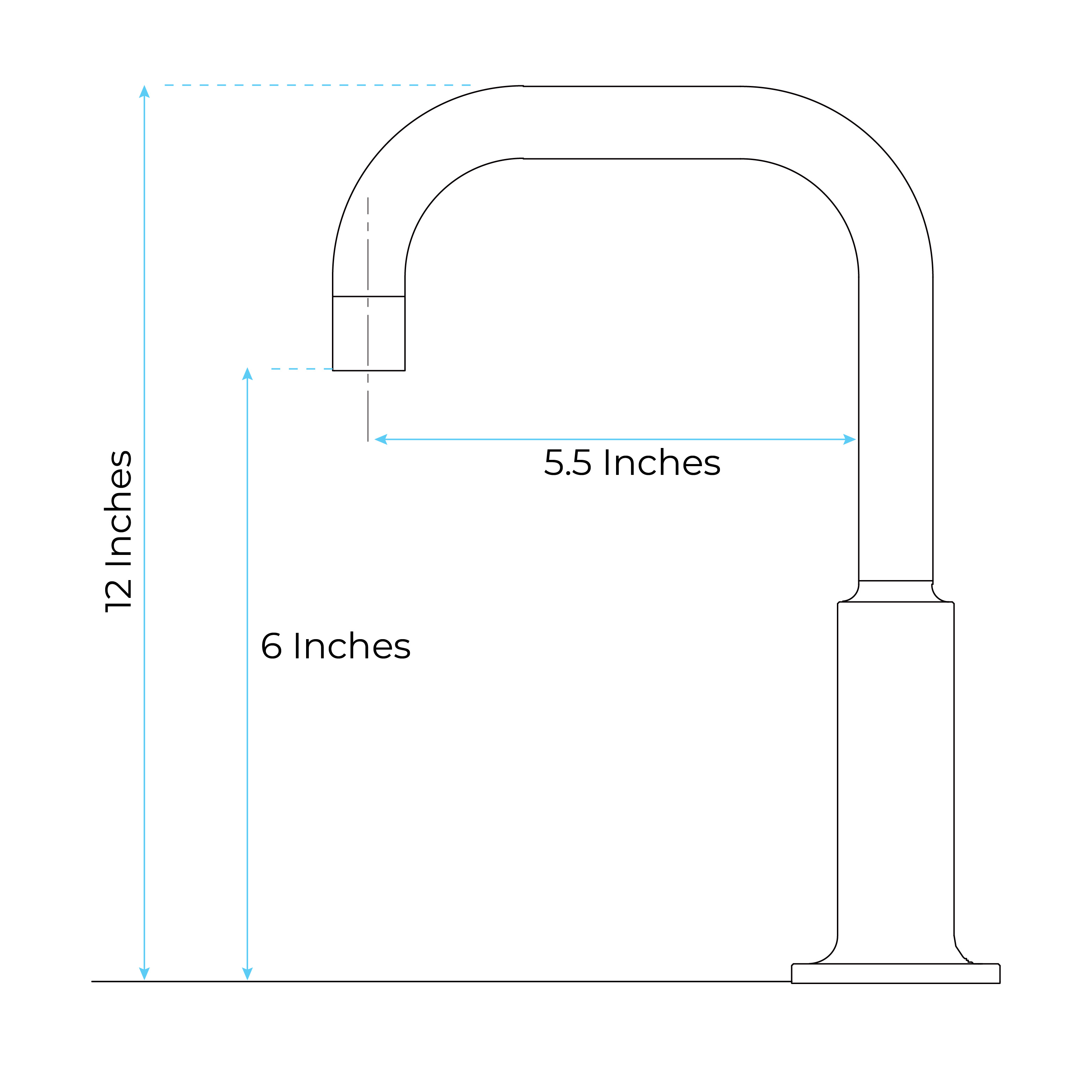
| Size : |
|
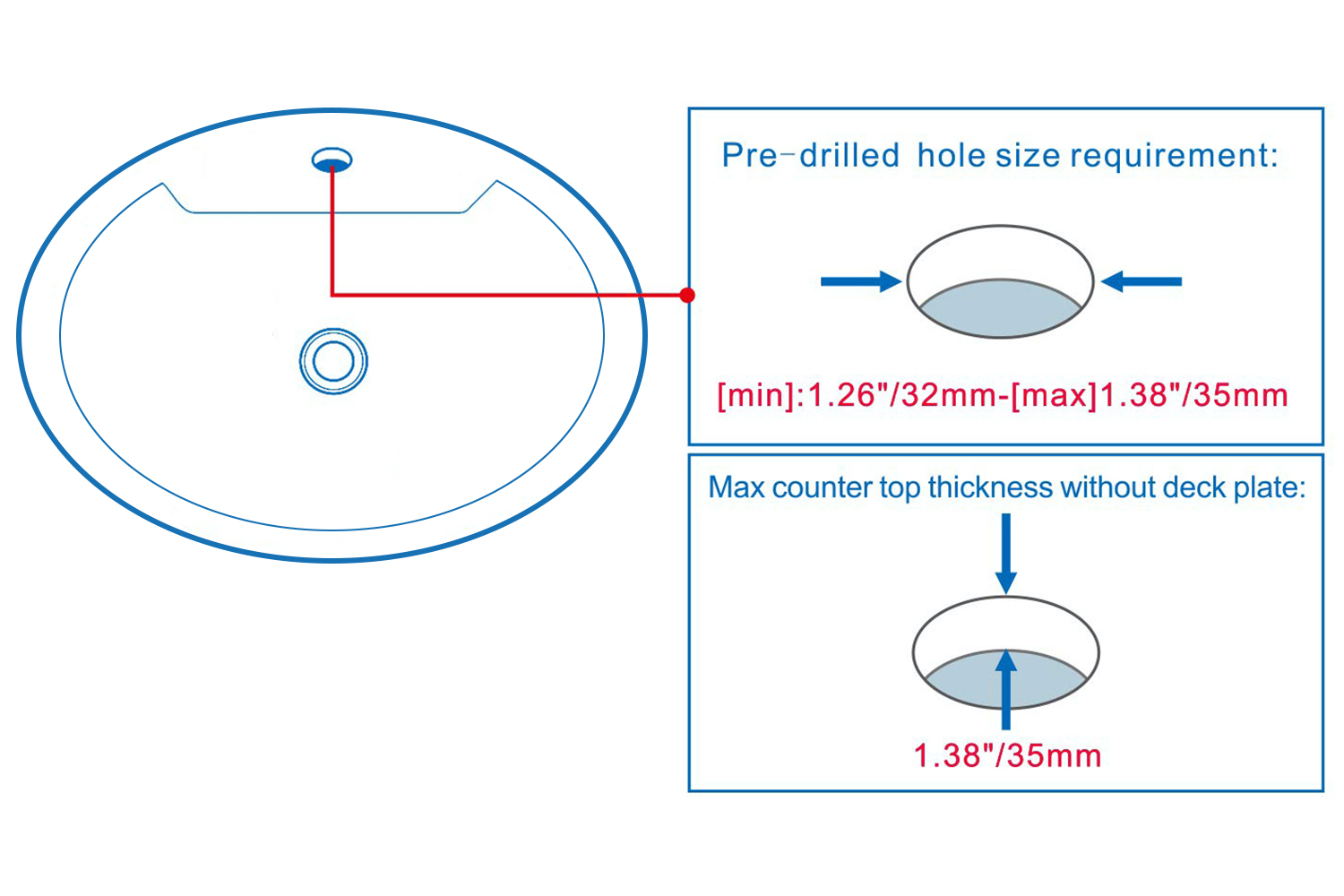
Hole Size Chart : |
 |
sensor
|
 |
|
|
|
|
|
Deck Mount Installation
|
|
|
|
|
|
|
Battery (DC 6V) Only Control Box
|
|
|
|
Step 1:
|
|
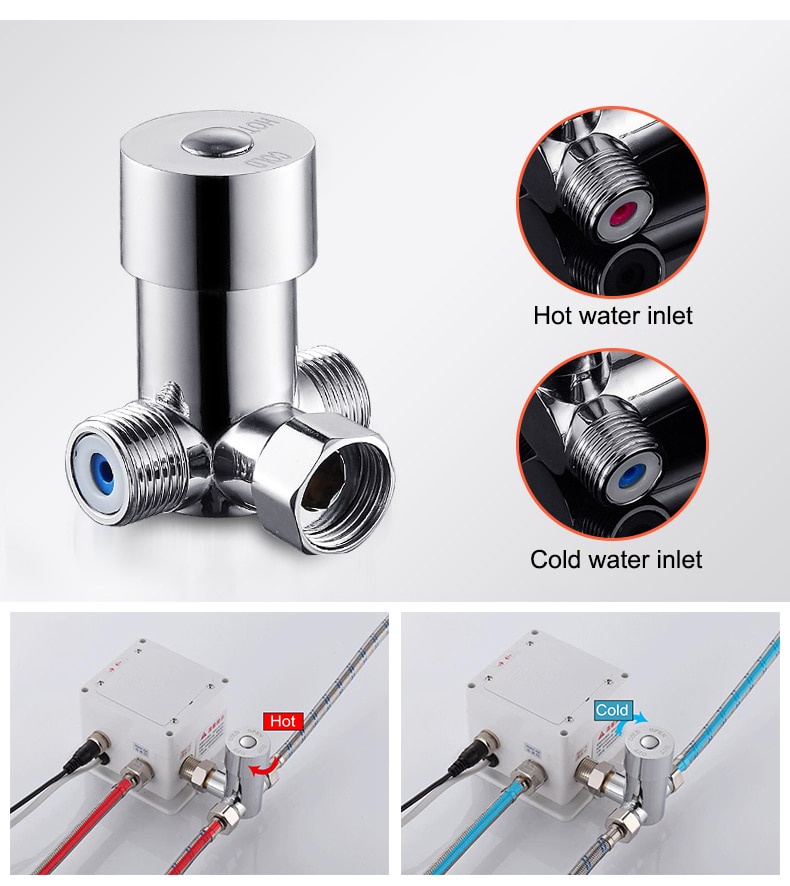
Step 2: (Hot & Cold Connection)
|
|
sensor
|

|
|
|
|
|
Battery (DC 6V) & AC 220V Control Box
|
|
|
|
Step 3:
|
|
Step 4:
|
|
|
|
|
|
|
|
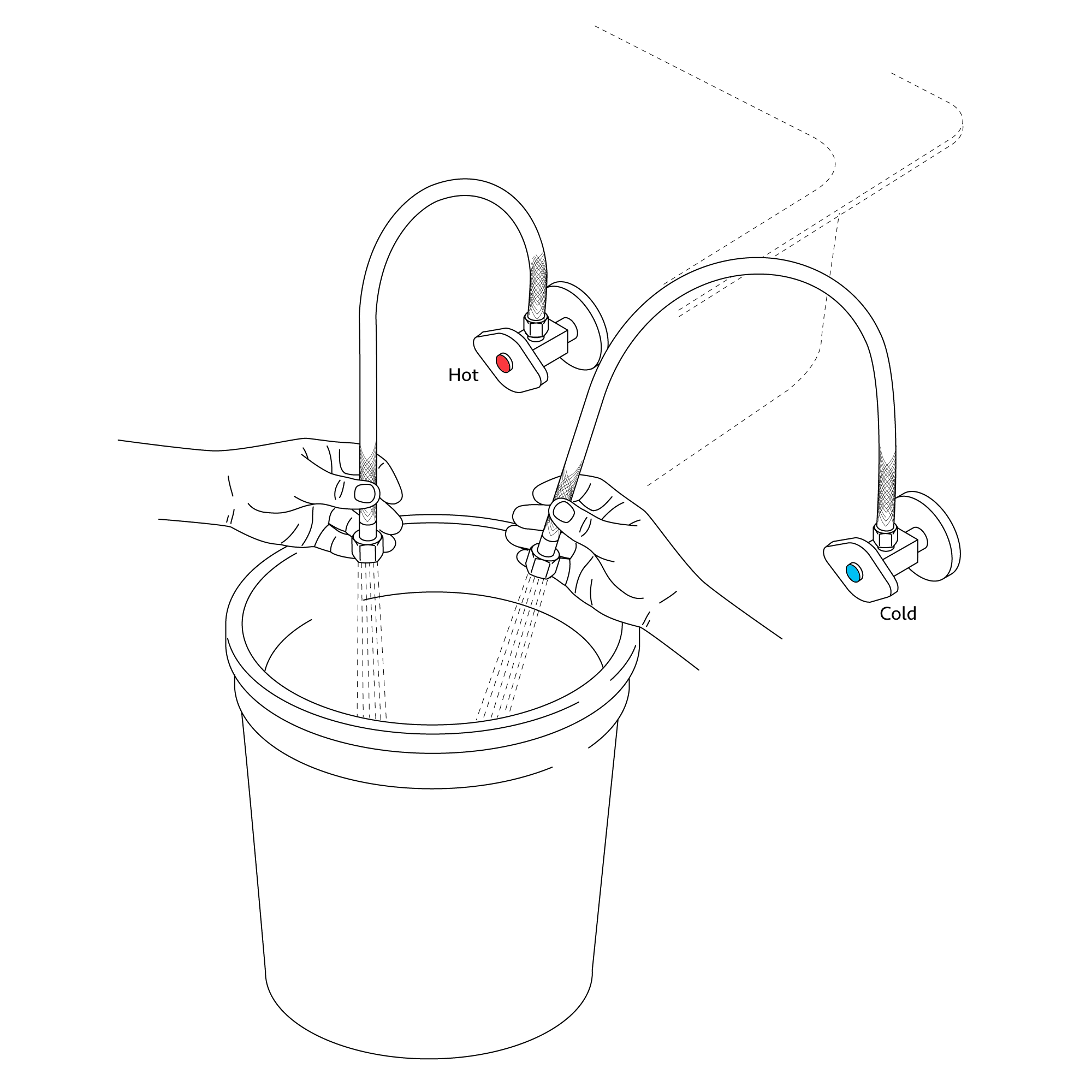
Flush Debris from waterpipes
|
|
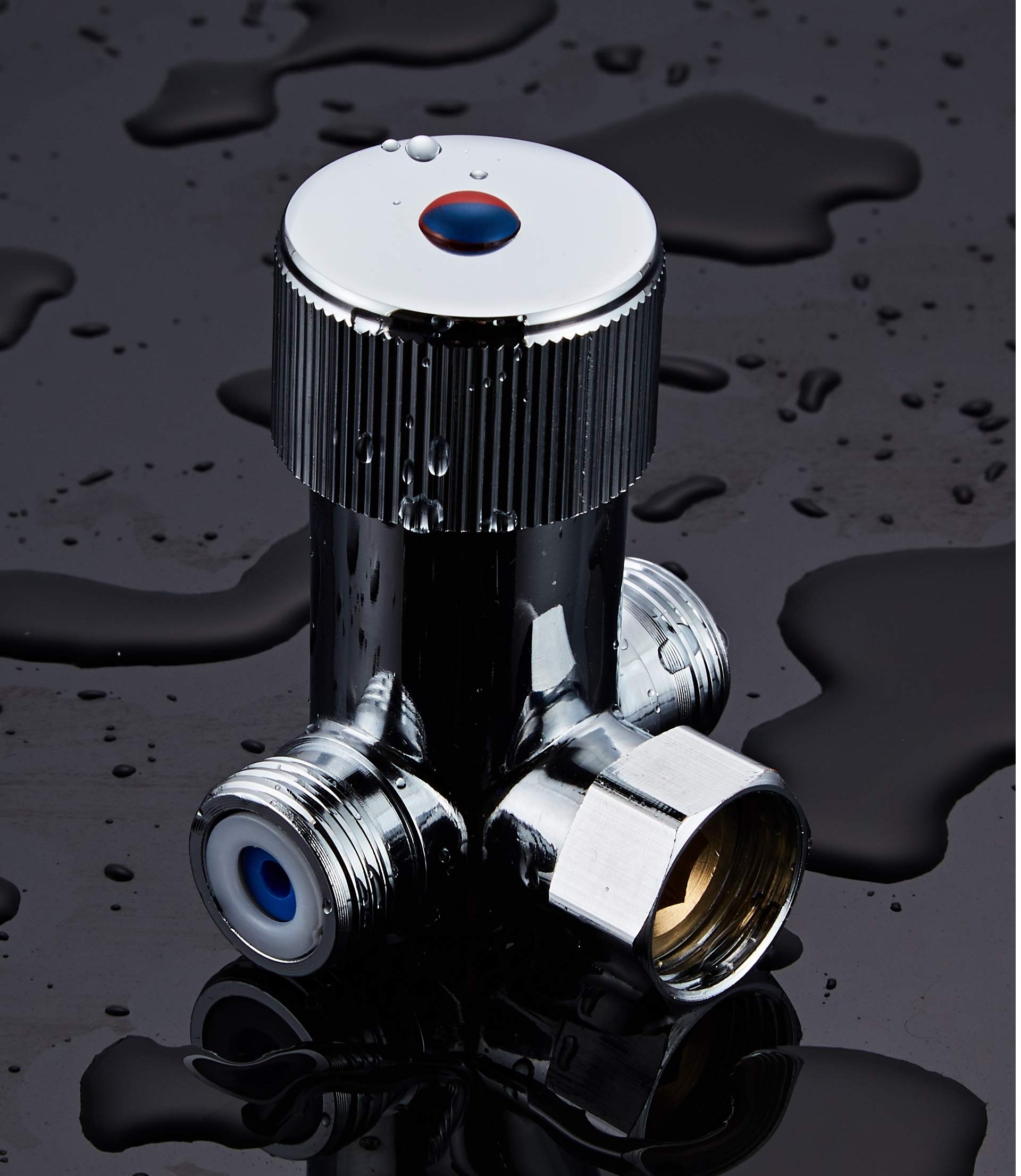
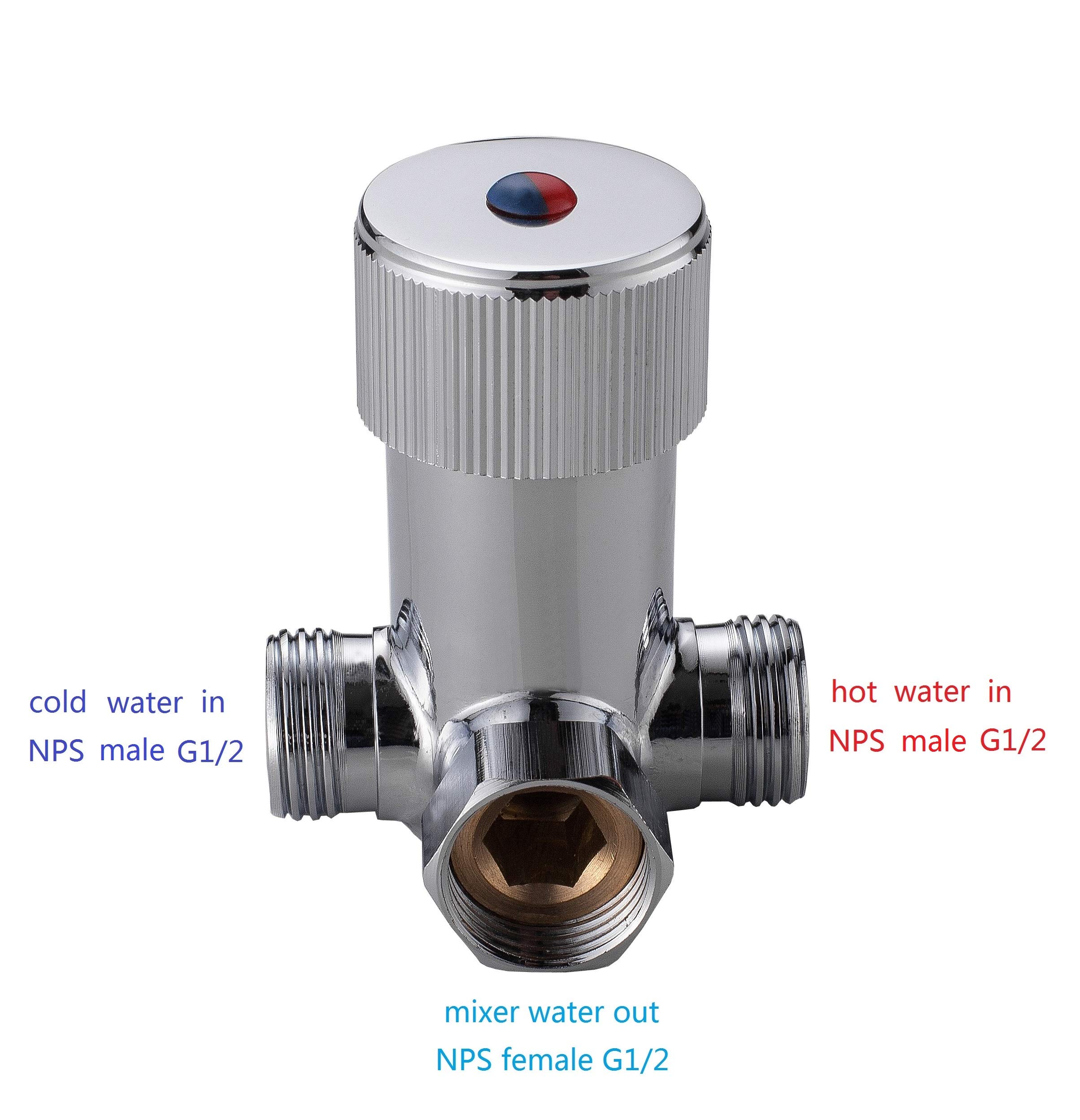
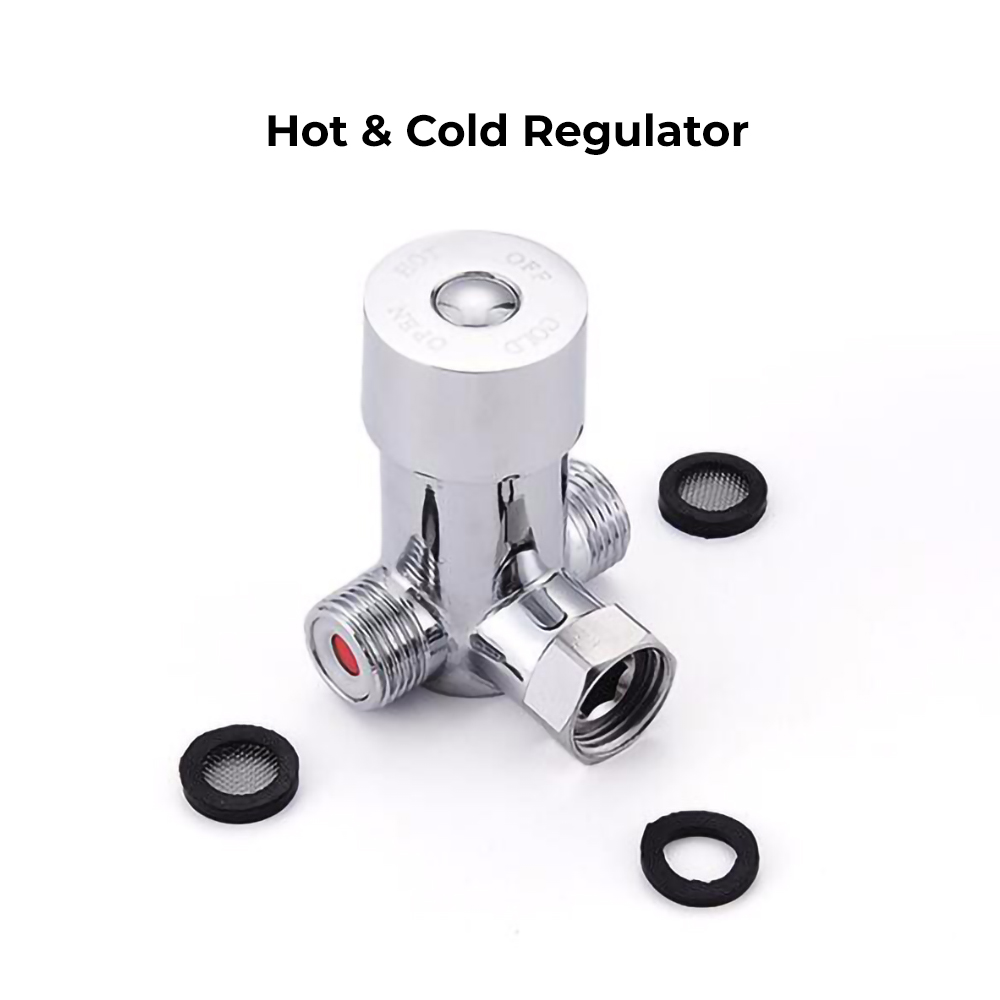
Hot & Cold Regulator
|
|
|
|
|
|
|
|
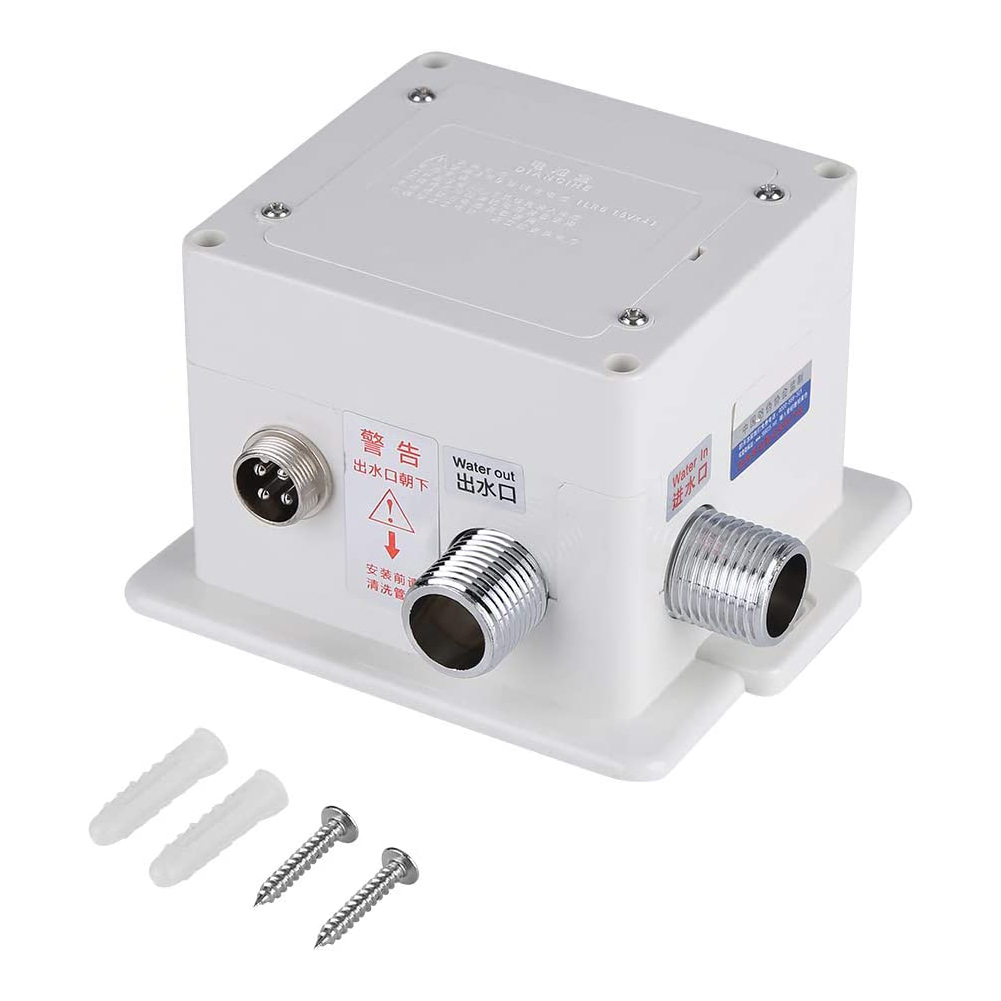
Control Box
|
|
Correct way for Hose
|
|
|

|
|
|
|
|
|
|
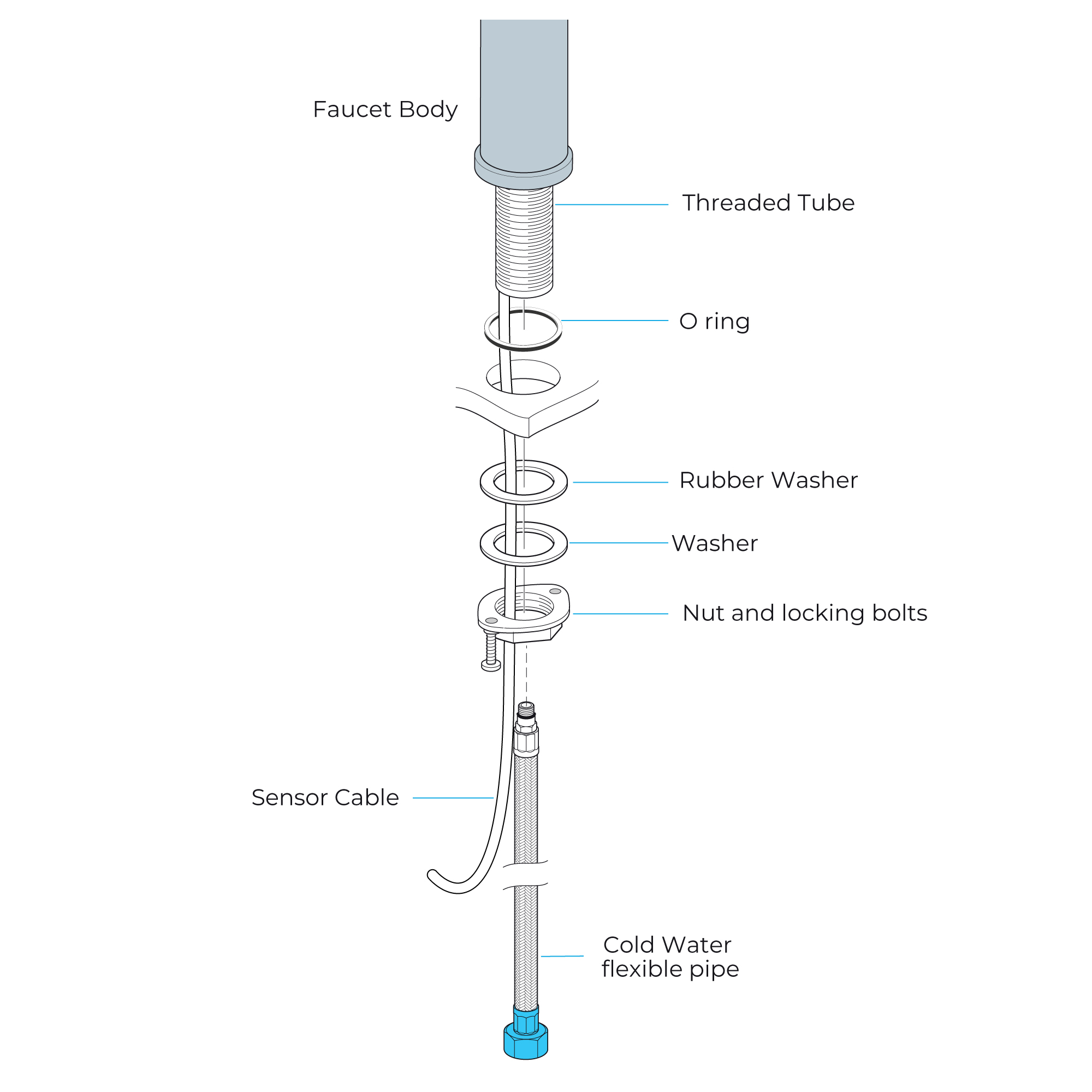
1. Connect the hose to the corresponding threaded faucet body hole. Put the O-ring firmly into the faucet body bottom groove.
2. Pass the hose, threaded pipe, and data cable through the hole in the countertop. Fit the rubber washer and metal washer onto the threaded pipe and hand-tighten the mounting nut. Position the faucet body as necessary and fasten it firmly with screws to the mounting nut.
3. Install the control box on the faucet.
4. Connect the battery cable to the control box.
5. Install water supply lines and flush lines, one minute into a container to remove debris.
Important: Flushing prevents damage from internal parts caused by debris.
6. Hook up water lines to angle stops. Open angle stops and leak check. Don't turn the faucet on yet..
7. Turn on the faucet and let it flow for one minute to clear any remaining debris..
|
|

|
Flexible Connecting Hose
Be careful when connecting the flexible connection hose from the power supply box to the spout to prevent sharp bends, kinks, or twists.
See the above instructions for the correct procedure for installing the flexible hose.
Important: Failure to do so could result in substandard performance or permanent damage to the flexible hose.
|
|
|
Control Box Installation Instructions
|
Step 1:
|
|
Step 2:
|
|
control box
|
|
|
|
|
|
|
Step 3:
|
|
Step 4:
|
|
|
|
5" size
|
|
|
|
Step 5:
|
|
Step 6:
|
|
|
|
|
|
|
|
Step 7:
|
|
|
|
|
|
|
|
|
|
Control Box Installation
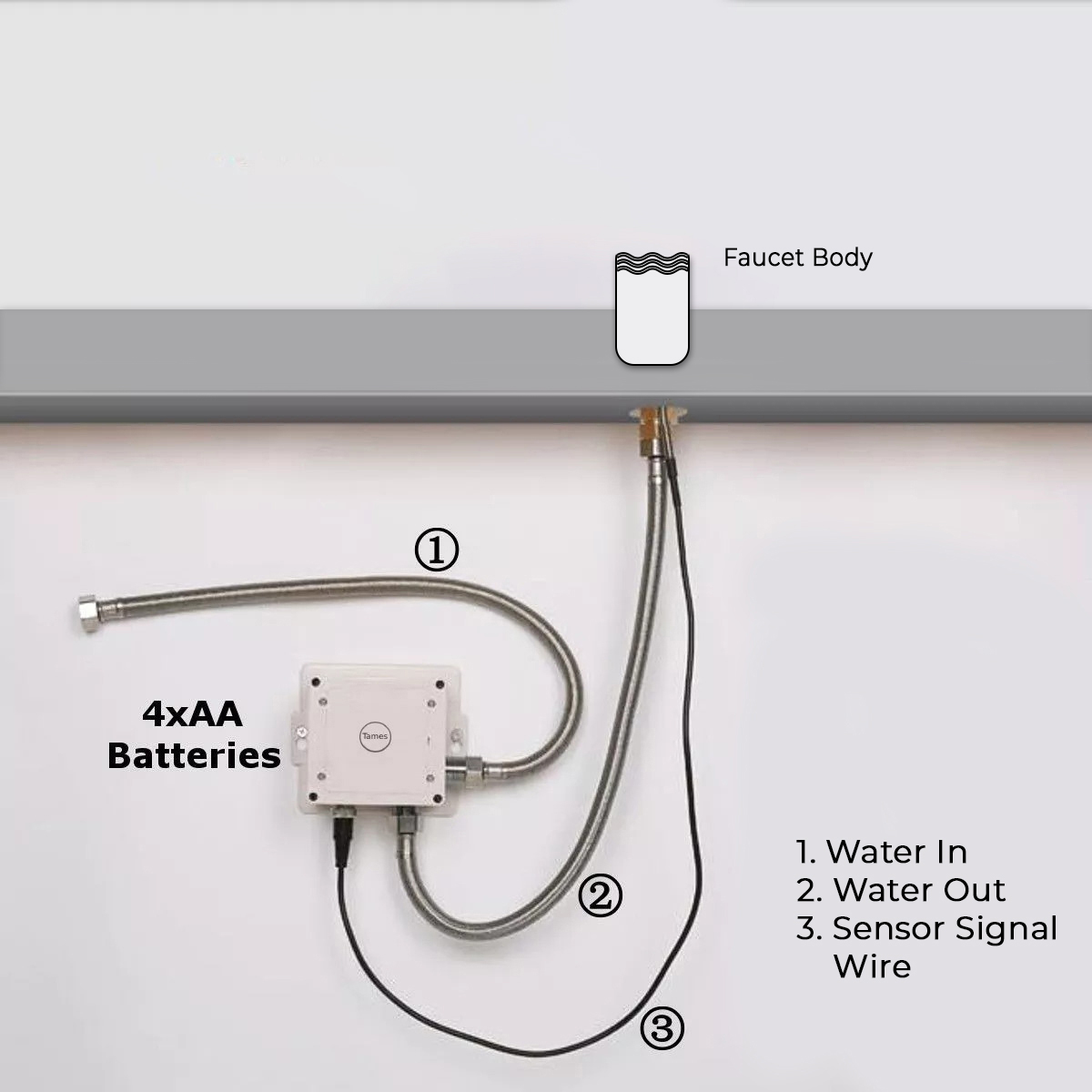
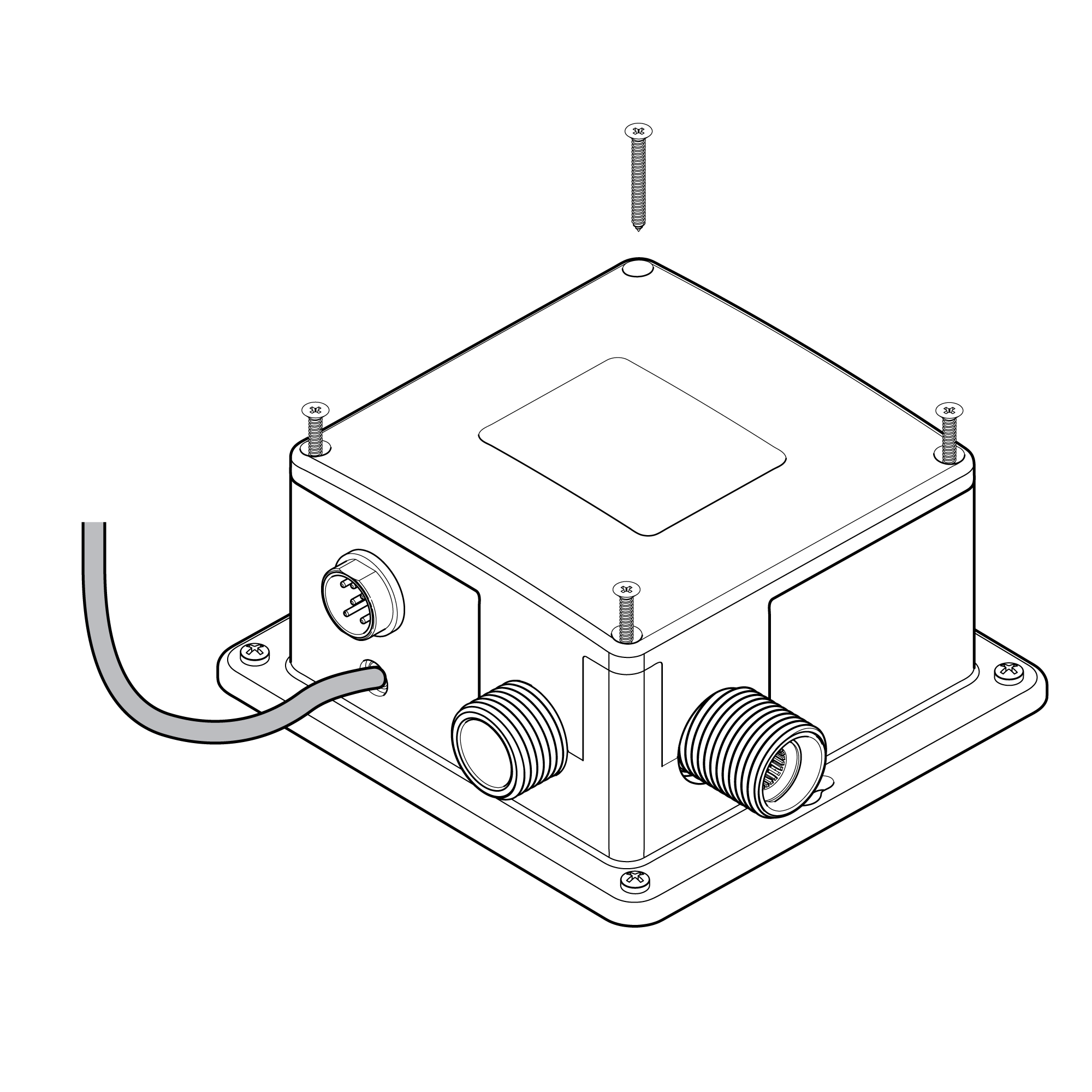
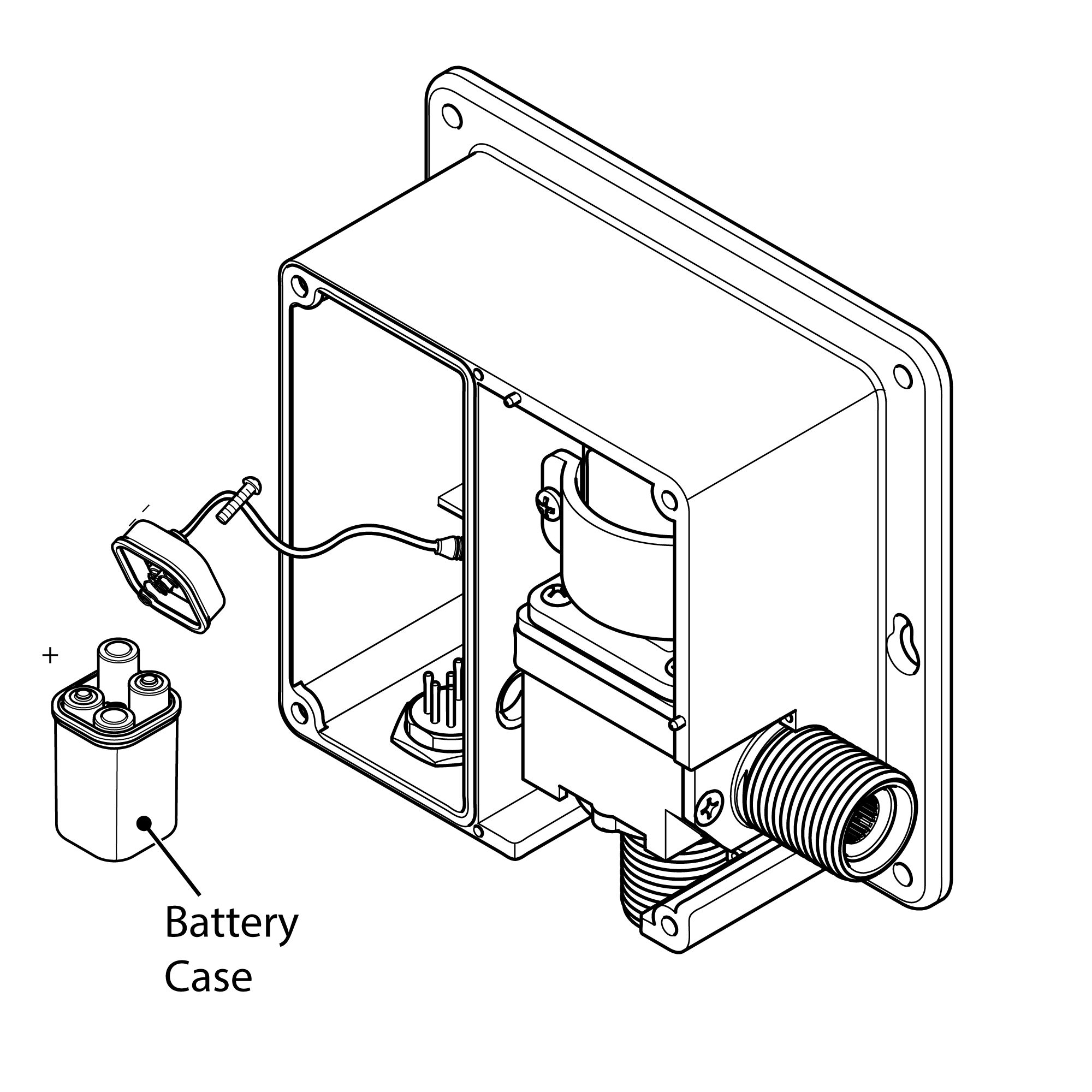
1. Remove the four screws on the cover and control box. Pull out the battery box, and remove the one holding its cover. Install AA alkaline batteries as marked. Put back the battery cover, match the arrows, insert the battery box into the control box, and lock the cover using the unscrewed screws.
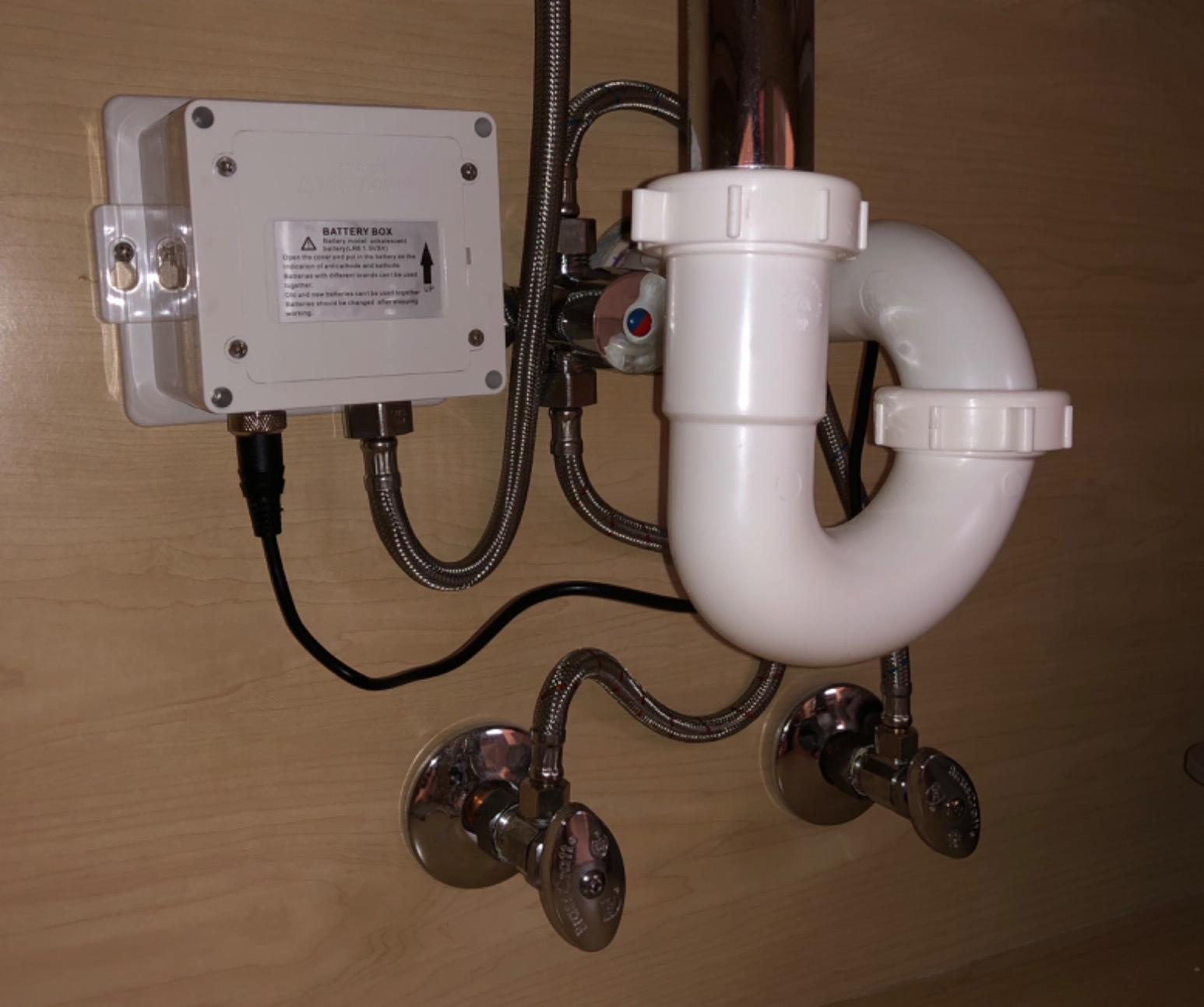
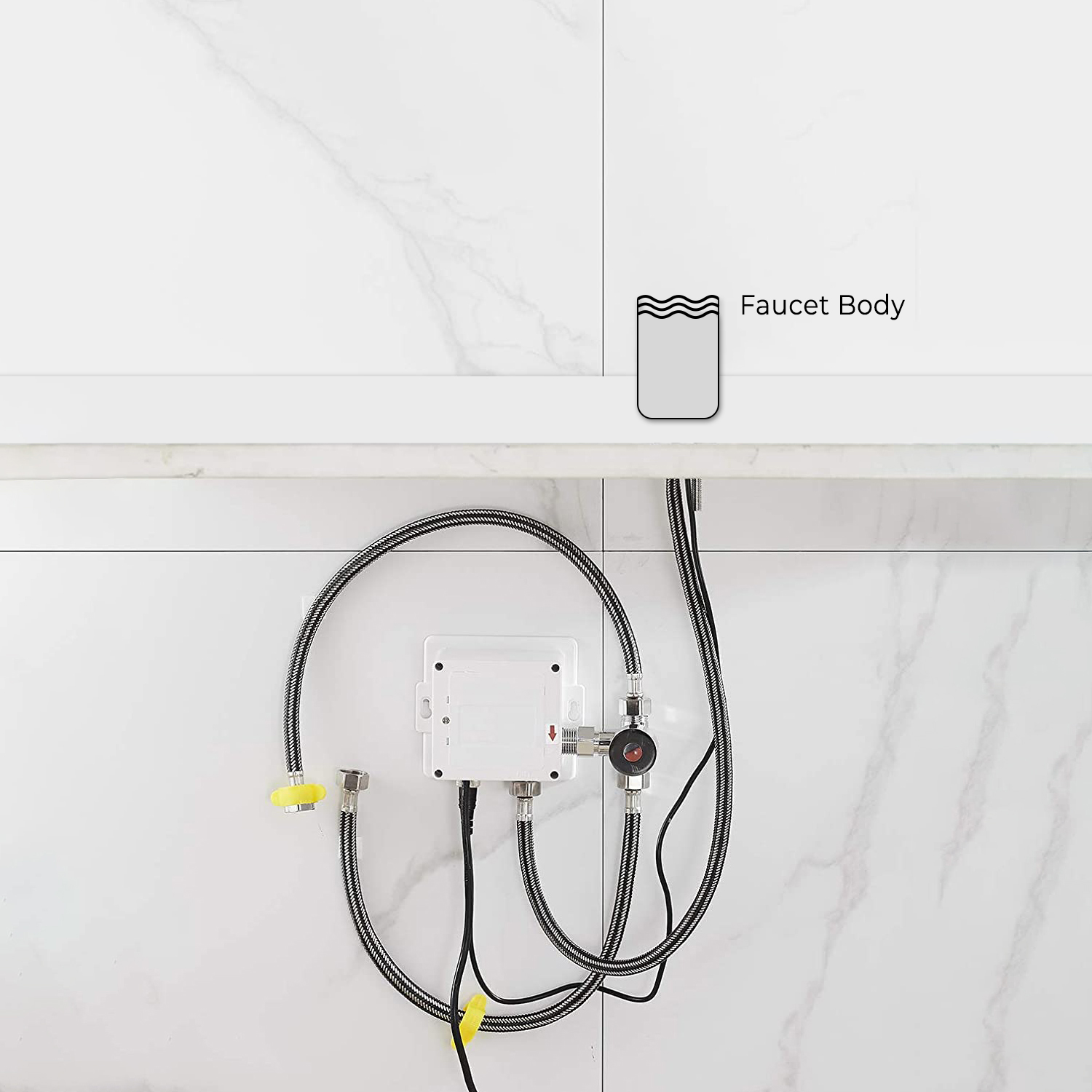
2. Choose a location under the sink where the control box can be installed and easily connected to the sensor cable, flexible hose, and supply water line. Drill at least a 3/4" hole under the sink basin to provide access for the hose and sensor cable to go through.
3. Mount the control box to the wall in its final position. Drill four 1/8" (3mm) holes and insert drywall anchors. Mount the control box with the included drywall screws.
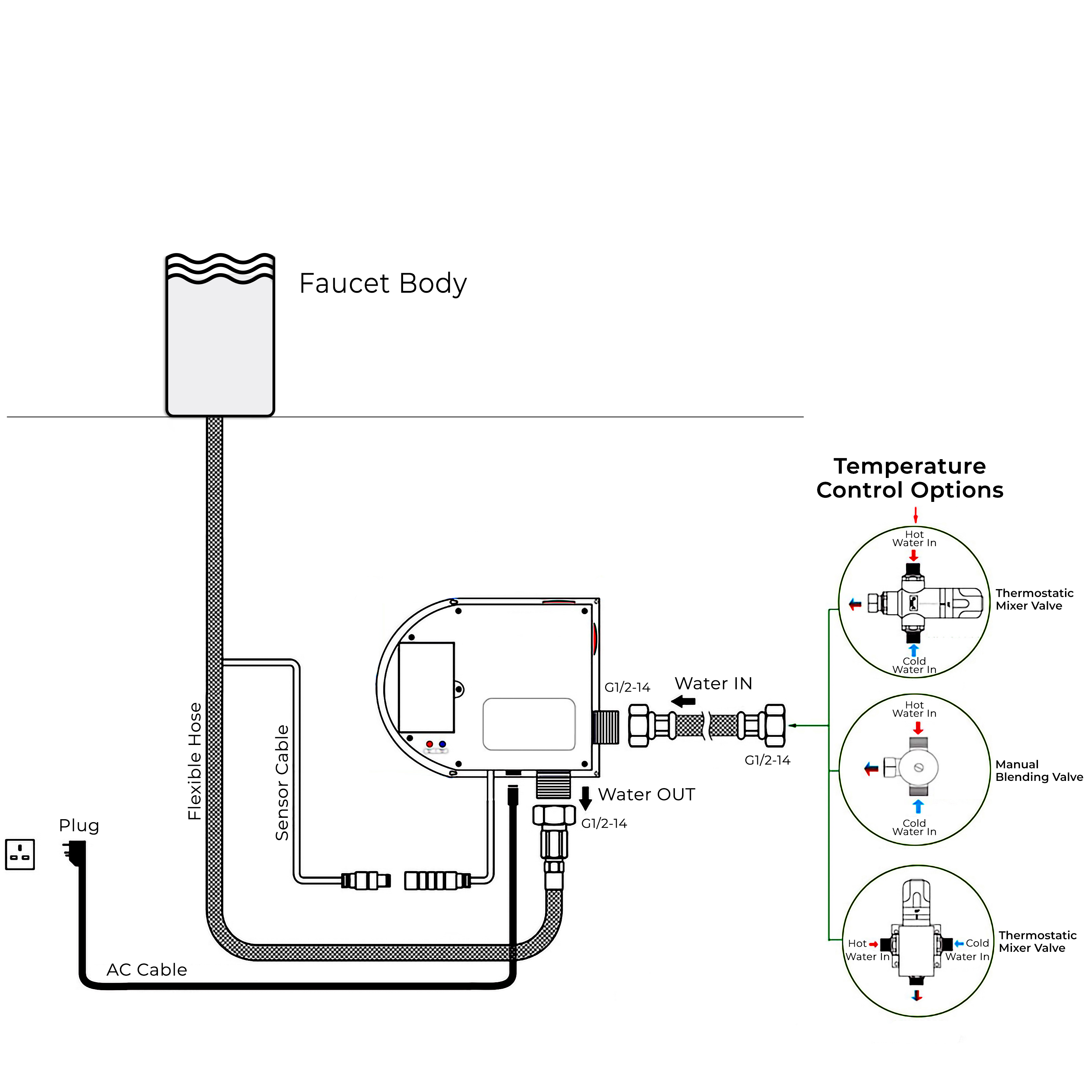
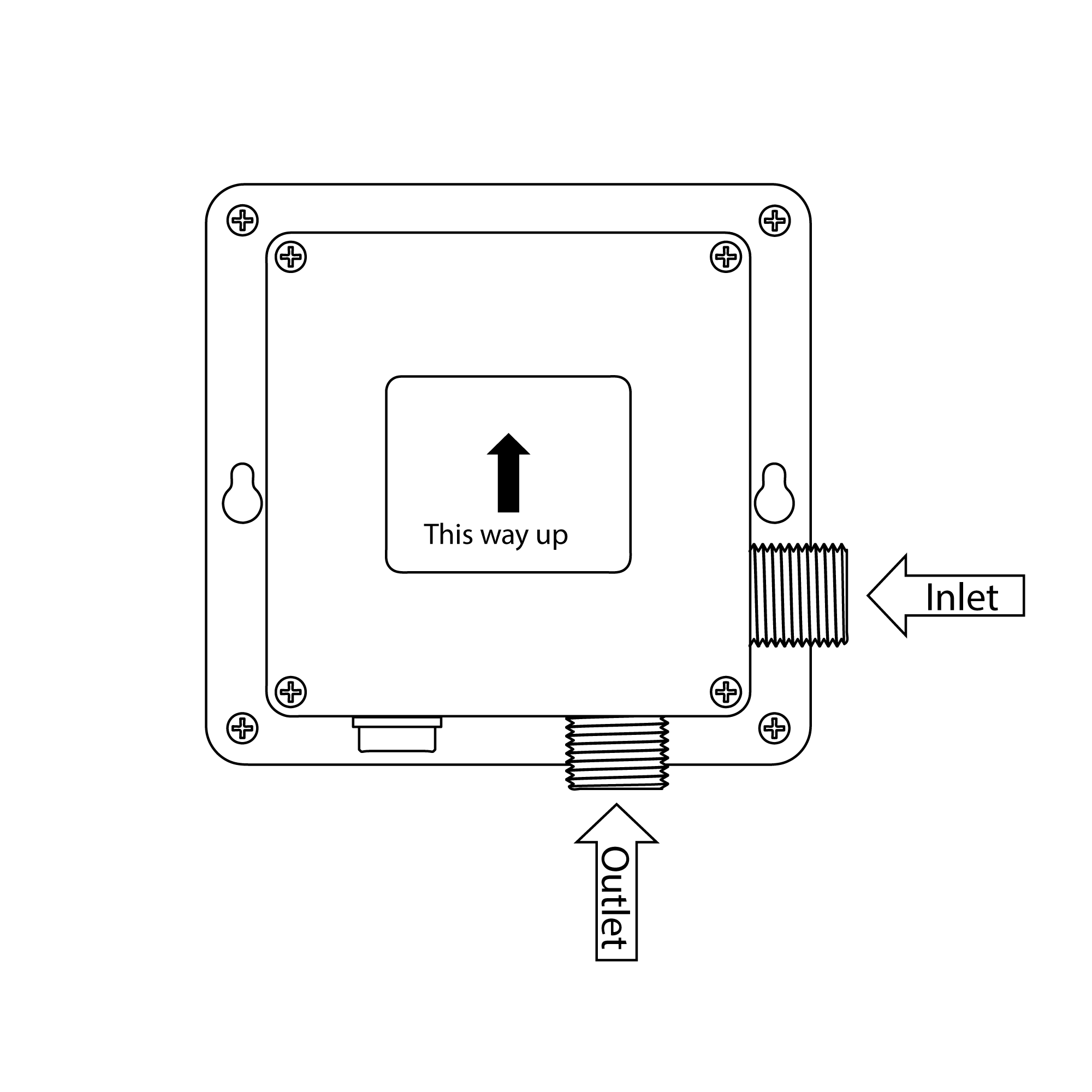
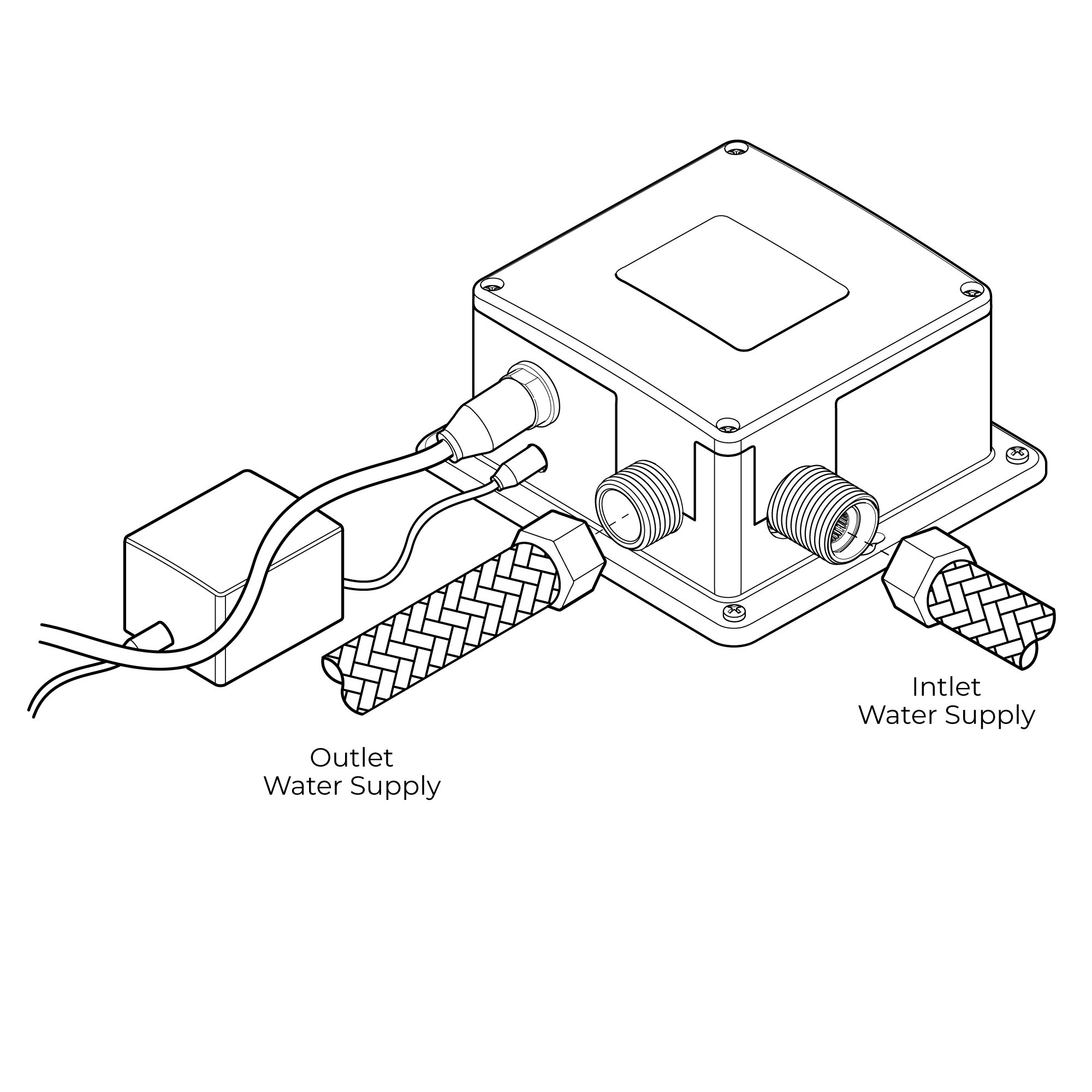
4. Connect the incoming water line to the control box at the port marked "Inlet.
5. Hand-tighten the swivel nut on the hose, then tighten with a wrench.
6. Attach the faucet hose to the control box at the "Outlet" marked port.
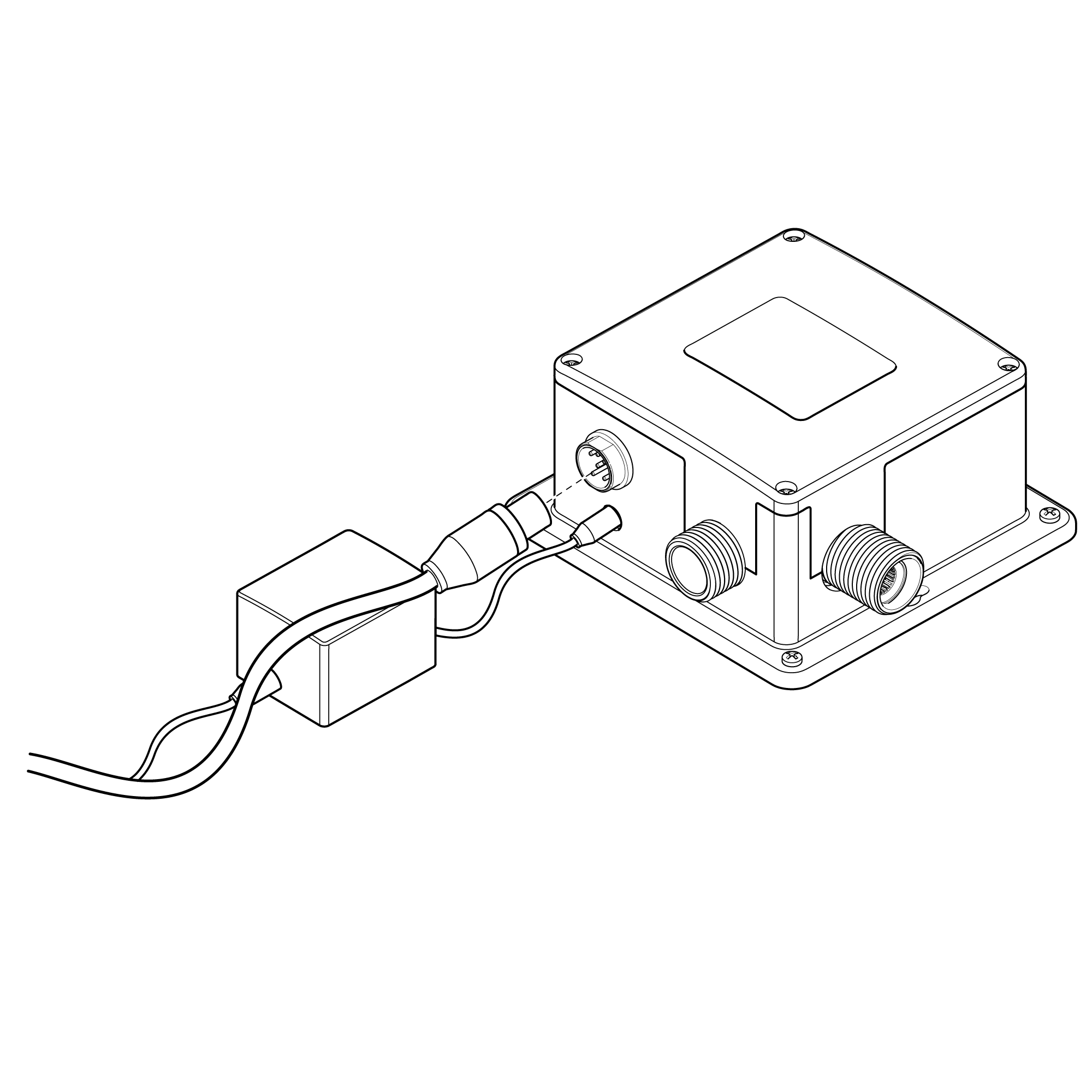
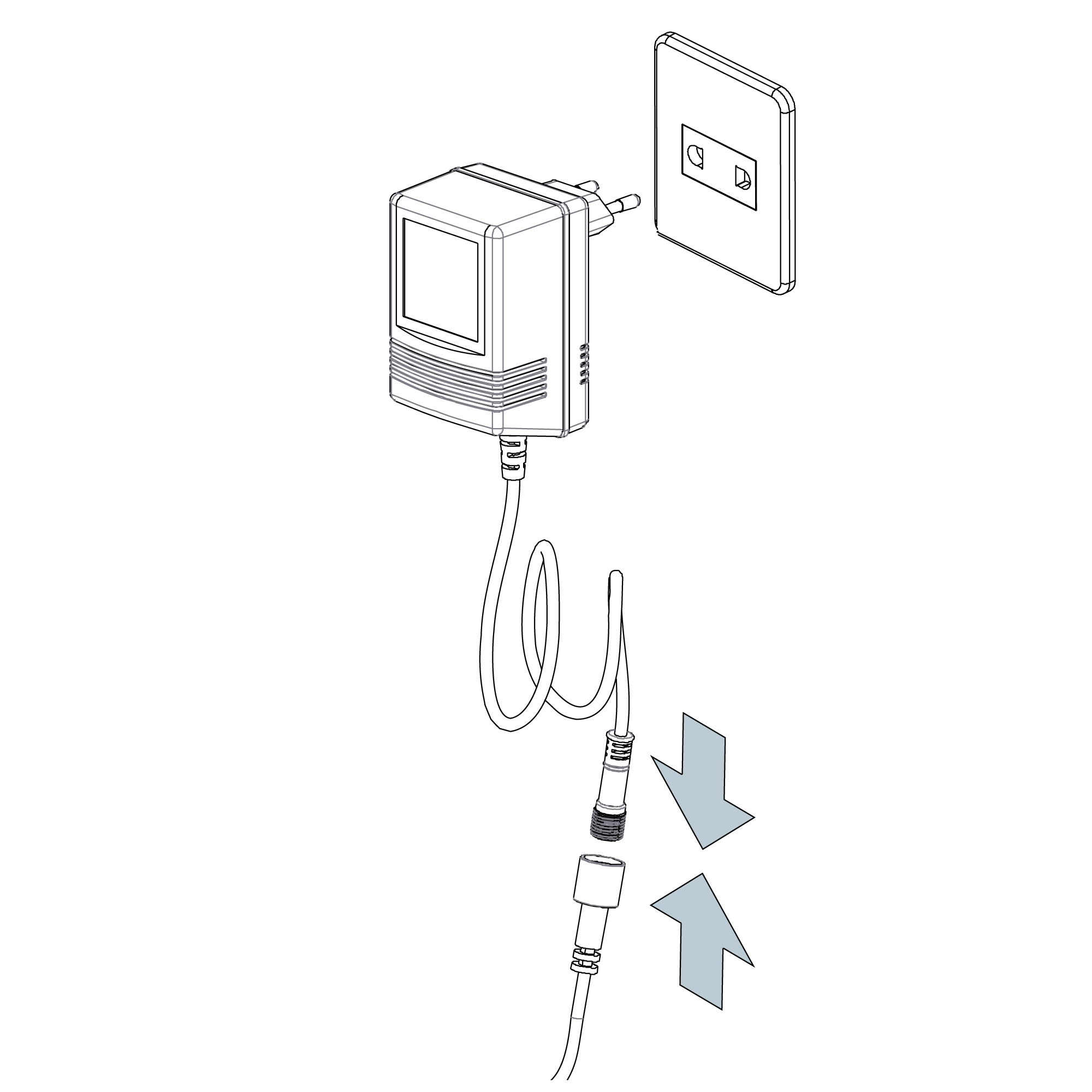
7. Connect the sensor cable connector into the corresponding connector on the control box and hand-tighten.
Note: Before attaching the sensor cable, make sure the water supply stop valve is functioning and the sink is free from any blockages so that it can calibrate properly. Wait for approximately 60 seconds to enable the sensor to auto-calibrate before use.
|
|
|
|
Inserting Batteries
The infrared spout is provided with an emergency battery pack (batteries not included). In the event of a power outage, batteries automatically turn on to keep the spout working in top shape.
Insert batteries before mounting the power supply box on the wall or floor.
1. Open Power Supply Box – Remove and unscrew the four corner screws of the power supply box to remove the cover.
2. Remove Battery Box – Remove the battery case and the center screw from its cover.
3. Install AA Batteries – Place 4 x AA batteries (not supplied) in the battery case using the correct polarity.
4. Secure Battery Box – Put back the battery case cover, tighten the center screw, and the case back in the power supply box.
5. Replace power supply box cover – Seal the power supply box and put back its cover by tightening the four screws securely.
Electrical Connections
1. Mount Power Supply Box - Install the power supply box to the wall below the worktop or sink so that it remains handy.
Note: Make sure the power supply box is mounted vertically and the flexible hose can be attached appropriately from the spout bottom. Use the proper wall anchors or hardware for your surface to secure the box firmly.
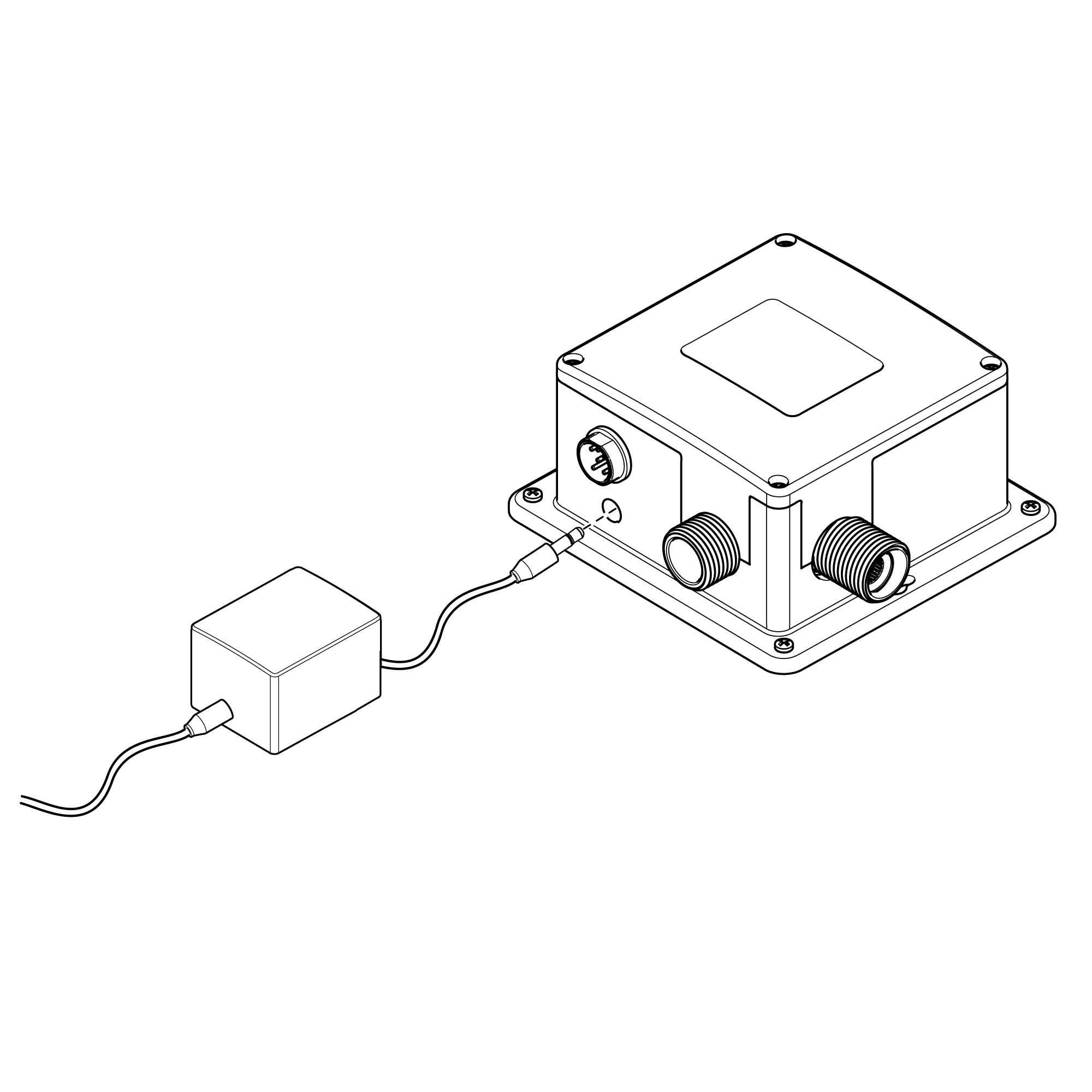
2. Connect Power Cable - Insert the power cable plug into the corresponding port on the power supply box.
3. Sensor Cable to Link - Connect the sensor cable from the faucet spout to the designated port on the power supply box in order to activate the motion sensor system.
Water Connections
Connecting Water Supply - The water supply line to the power supply box needs to be pre-mixed (mixed) water. Flush out the piping before connecting the water supply to remove debris. Flush the piping after that, and then turn off the main water valve and any isolation valves.
Inlet Connection - The power supply box has a 1/2" BSP male thread for the inlet. Connect a 1/2\" BSP female connector with an appropriate sealing washer to provide a leak-proof joint.
Outlet Connection - The outlet has a standard 1/2" BSP male thread. Connect the flexible hose to this outlet with the connection tightened firmly.
Sensor Range
The unit automatically calibrates the sensing distance upon powering on, within 10 seconds. Don't trigger the sensor during this short setup so it can calibrate to the proper detection range.
Set Water Flow Time-Out
If the sensor is repeatedly triggered after 1.5 minutes—e.g., by an object that is not moving—the unit will automatically cut off water supply. To restart, clear the obstruction and activate again by holding hands under the sensor after 2 seconds.
Notes
1. Use only 1.5V AA alkaline batteries.
2. Insert batteries properly. Avoid mixing old and new, or different brands, since non-alkaline types can last only 1–2 months.
3. When the battery is installed, the solenoid valve conducts a self-test..
4. Once power is turned on, the sensor automatically adjusts range in 10 seconds—do not interfere during this period.
5. In case of detection being too brief, clear the area for 5–6 minutes to restart.
6. If water continues to flow continuously because of close-range detection, the system will recalibrate after 5 minutes.
|
|
|
|
|
|
Built To Last Commercial Fontana Smart Infrared Automatic Sensor Faucet
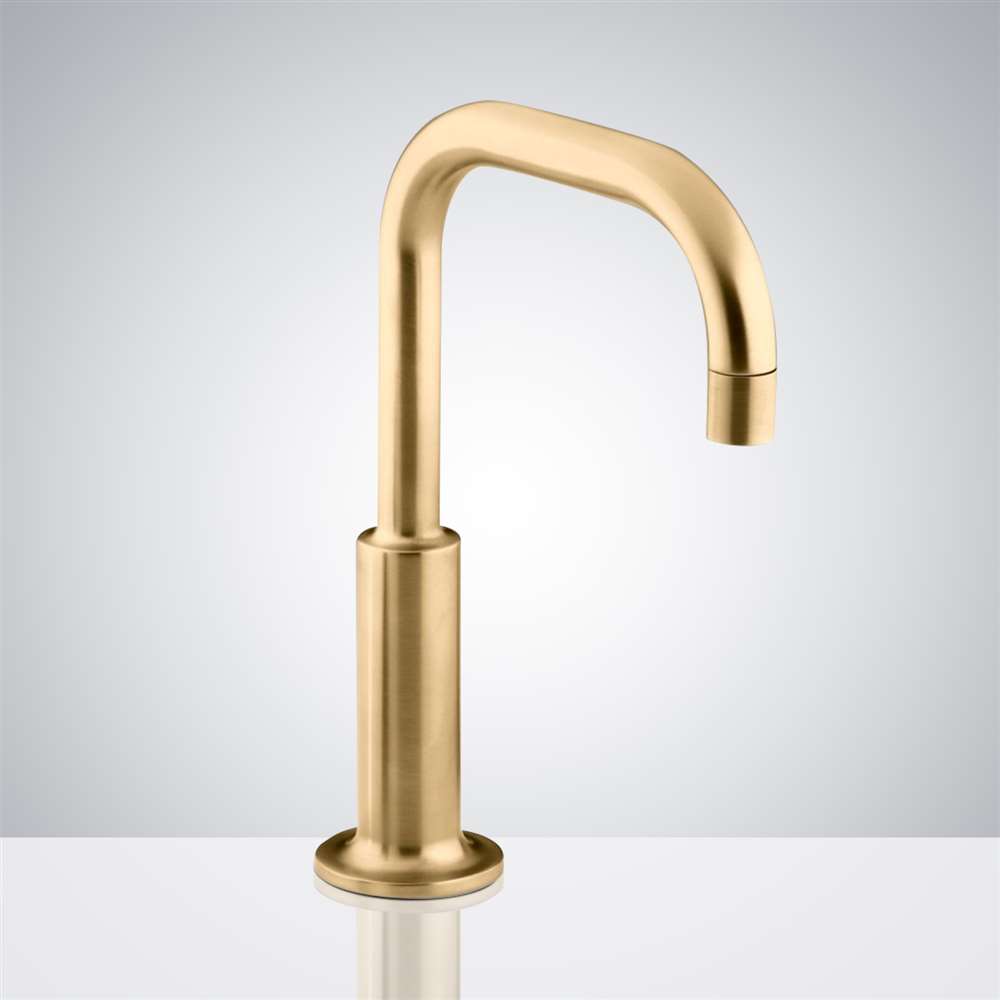
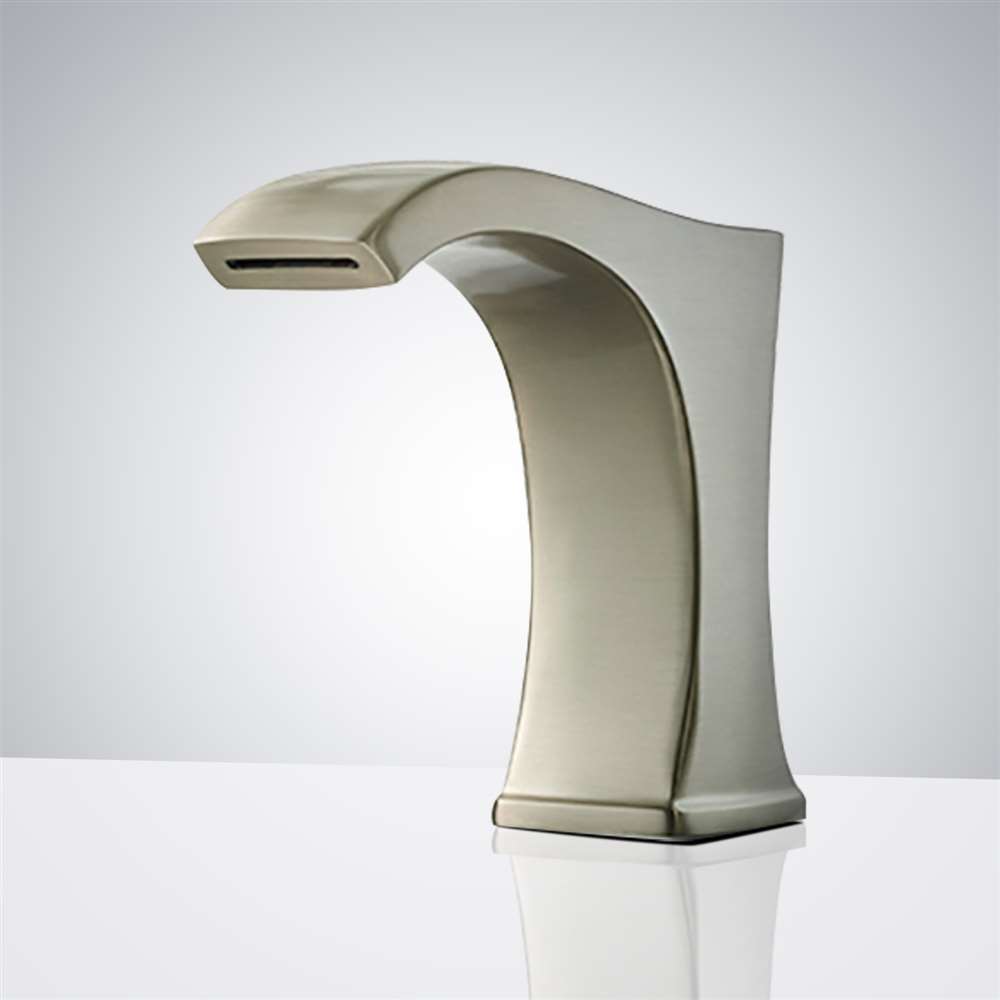
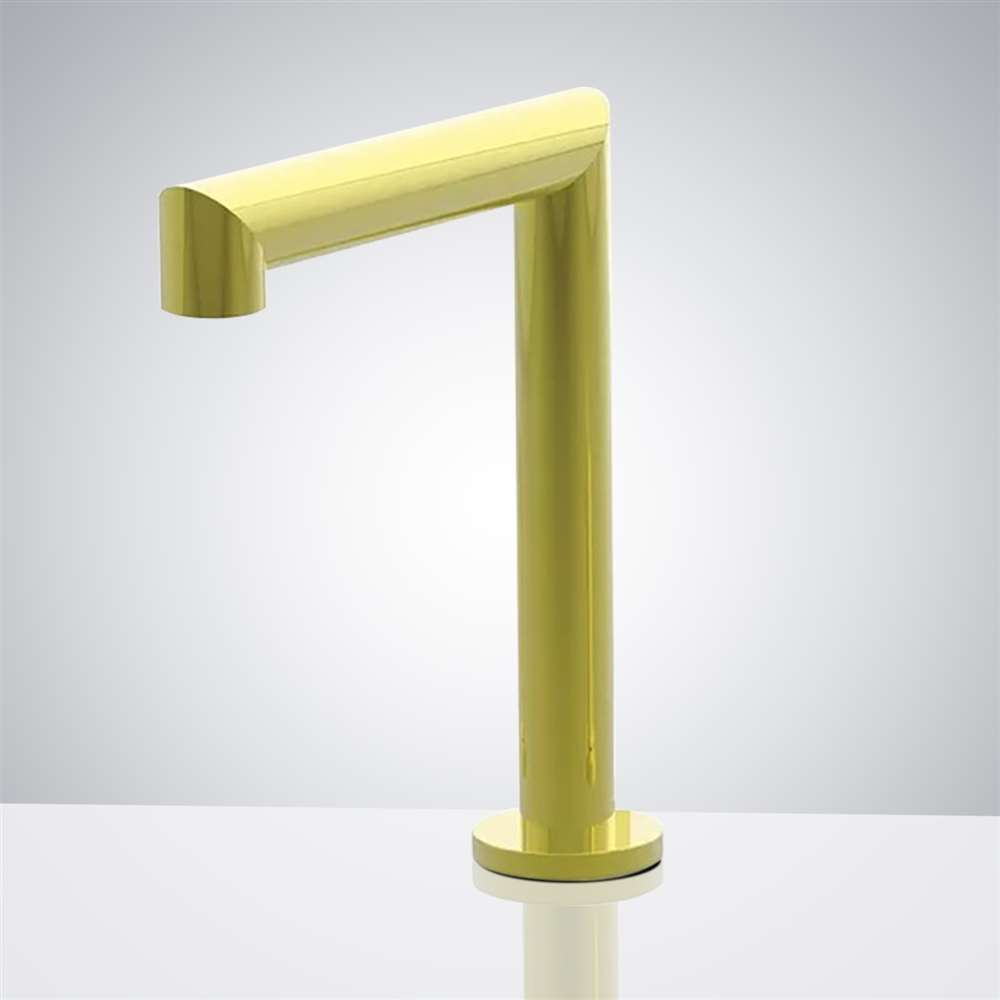
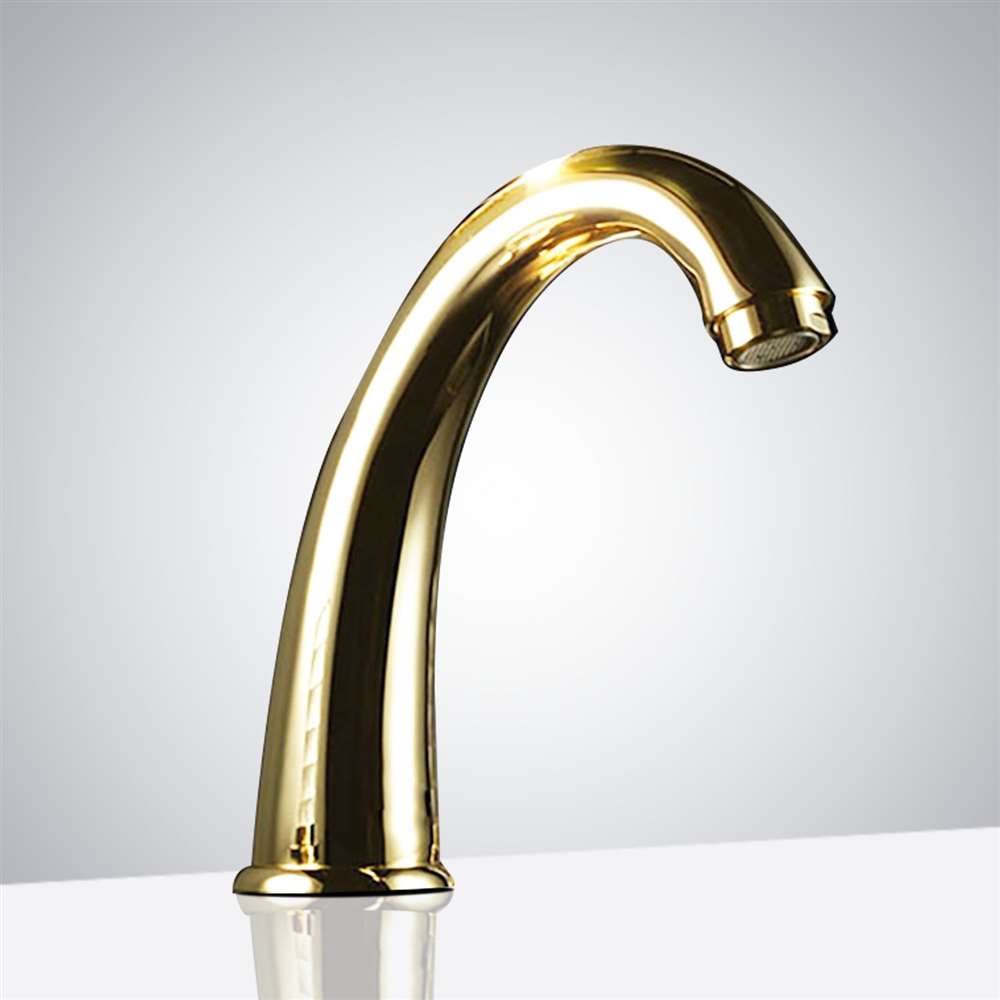
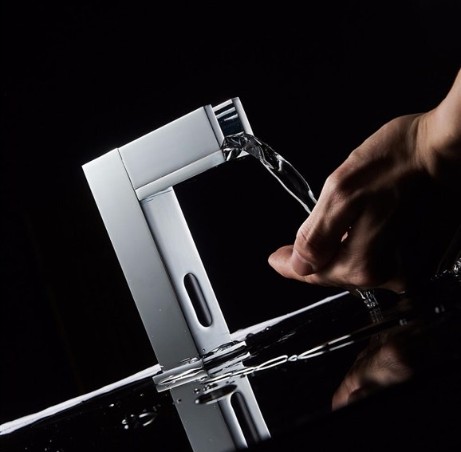
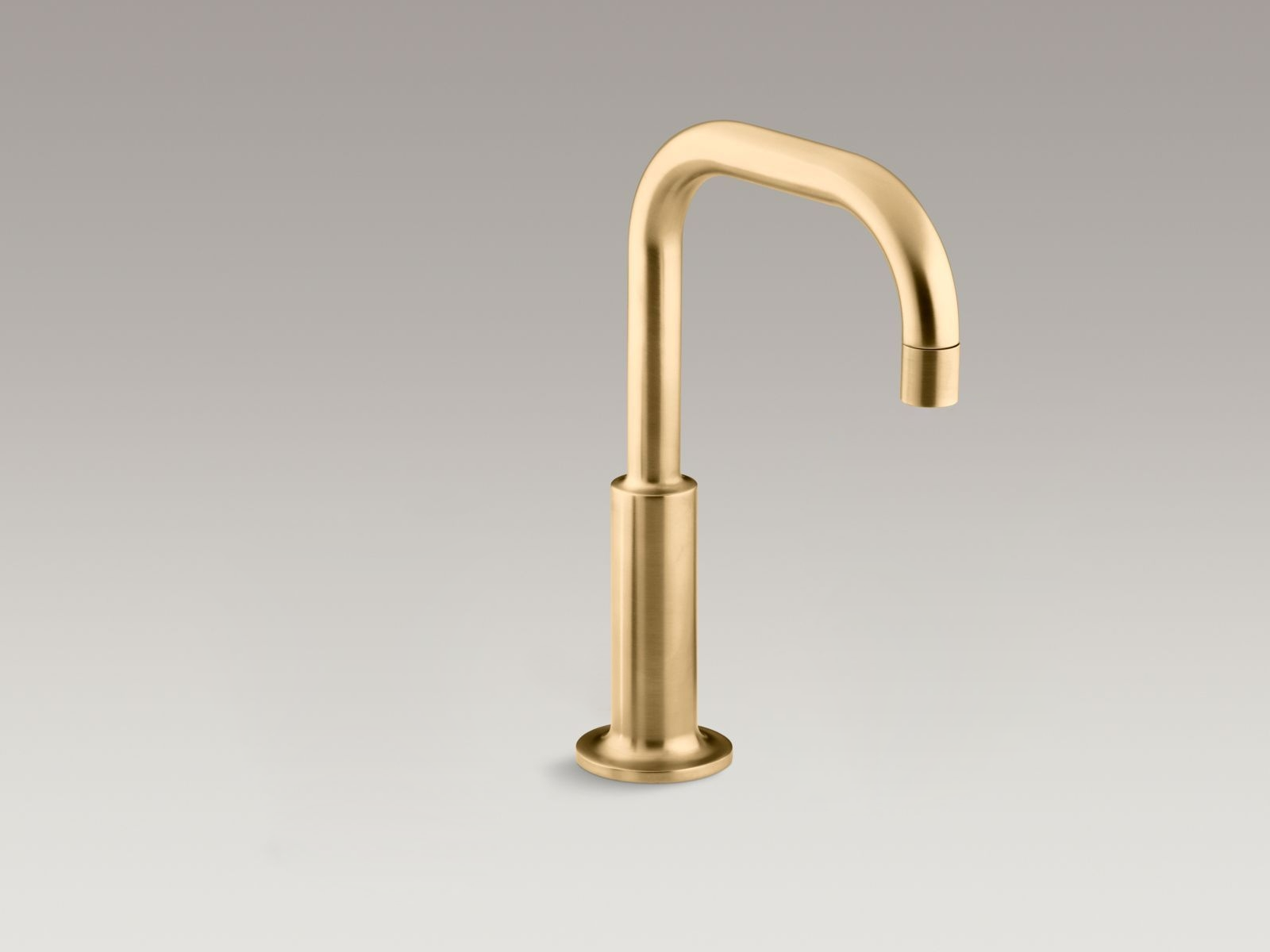
| This Fontana Commercial Infrared modern touchless motion sensor bathroom faucet boasts a self-calibrating detection range, low maintenance, and an easy-to-access screen that protects internal components from dust and water-borne particles. With a very sensitive sensor and Infrared AI Smart-Chip, it boasts a factory-programmed 30-second auto shutoff (which can be adjusted). Ideal for commercial applications such as restaurants, hotels, office buildings, and malls, this smart faucet provides energy-efficient performance for longer battery life. Comes with all the hoses and accessories needed. AC110V or DC6V powered (batteries not included). Compatible with residential and commercial installations. Easy to install with provided instructions.. |
|
|
Features:
- Brand Name: FontanaShowers Commercial Smart Motion Sensor Faucets
- Model Number: FS-544RR
- Type: Commercial Automatic Faucet
- Water Pressure: 0.5-7.0 KGS/cm , 10-125 psi
- Finish: Gold
- Construction: Solid Brass
- Power Supply: AC110V And DC6V
- Batteries Included: Not
- Mounting Type: Deck Mount
- Use: Commercial Use
- Body Material: Brass
- Faucet Mount: Single Hole
- Style: Contemporary
- Flow Rate: 1.3 GPM (gallons-per-minute)
- Ambient Temperature: 1 - 45 °C / 33.8 -113 °F
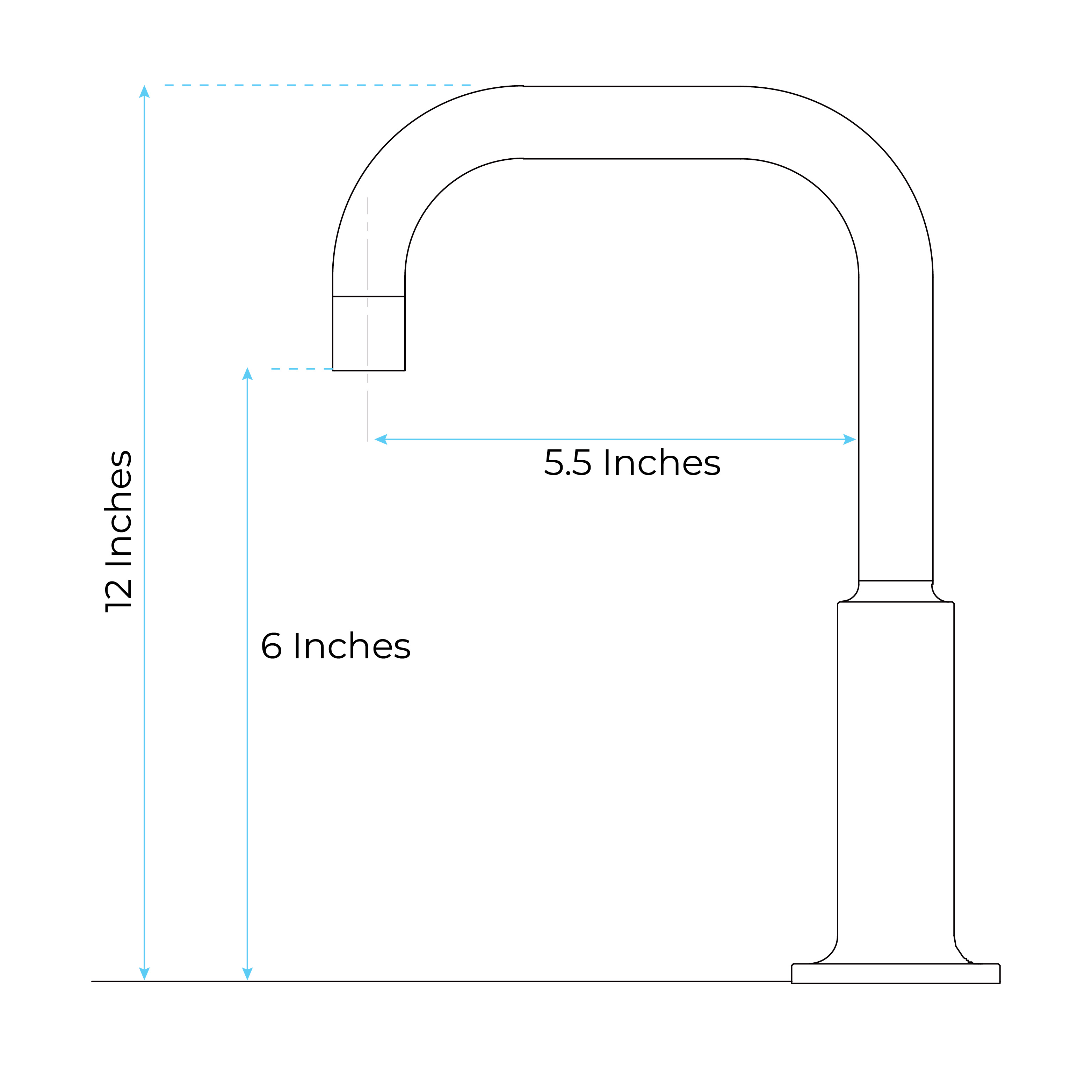
- Overall Height: 4.72"
- Spout Height: 3.54"
- Spout Length: 6.69"
- Valve Type: Ceramic Valve
- CPU off Warranty: one year
- Usage: Best Fit for High Traffic Commercial Applications for Hotels Restaurants, Office Buildings Malls...
|
|
|
|